Speak to Sophiie
A live demo call from Sophiie. Two minutes, no sales pitch.
Appliance repair
Sophiie brings repair calls, schedules, job status, technician notes, customer history, invoices, quotes, and reminders together so managers are not chasing updates across tools.
Learn more about Sophiie's AI office manager.
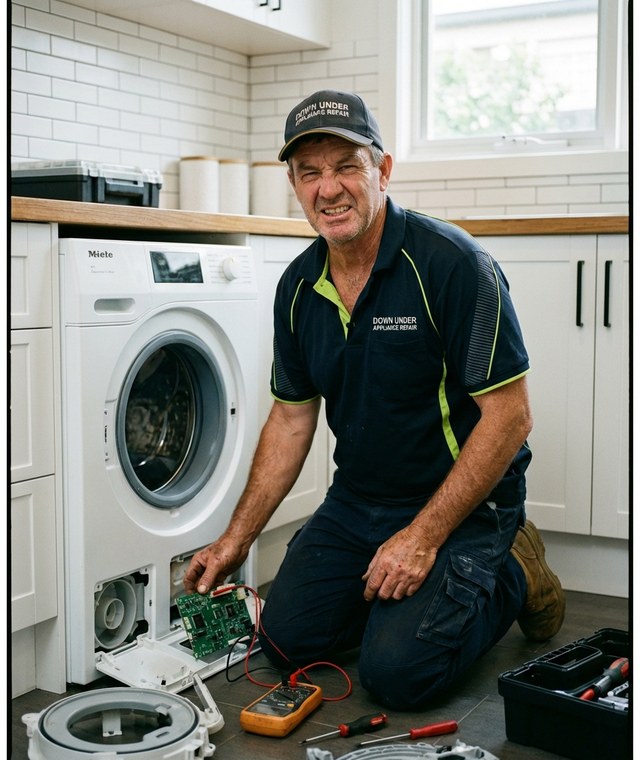
A live demo call from Sophiie. Two minutes, no sales pitch.
The manager needs to know what came in, who owns it, what is scheduled, what is waiting, and what needs billing or follow-up. Sophiie makes that visible.
Calls, chats, texts, emails, and forms can become customer records, bookings, and jobs with summaries attached.

Repair jobs can show pending, scheduled, in progress, completed, assigned technician, notes, photos, documents, and history.

Customer profiles can hold appliance details, past repairs, contact notes, invoices, messages, and reminders.

Use Sophiie to create branded quotes and invoices, track status, follow up pending quotes, and sync invoices to Xero when connected.

Technicians can check schedules, use voice notes, review customer records, and update jobs from the Sophiie mobile app.

How it works
Define appliance categories, repair types, technician roles, statuses, follow-up rules, and invoice settings.
Let Sophiie capture calls, emails, texts, chats, and forms so every enquiry starts in the same workflow.
Track schedules, assignments, notes, reminders, quotes, invoices, and customer communication throughout each repair.
Use job and customer history to see what is booked, waiting, overdue, or ready for follow-up.
A manager can lose time asking which calls were booked, which technician has the job, whether the customer replied, and what still needs invoicing. That is not management; it is chasing fragments.
Sophiie helps create one working queue. Enquiries, jobs, status, customer history, notes, quotes, invoices, reminders, and mobile updates can stay connected from first call to final follow-up.
When Sophiie keeps routine details organised, the manager can focus on the work that needs judgement: urgent breakdowns, uncertain scope, parts delays, customer concerns, and overdue payments.
Whichever trade you're in, learn more about Sophiie's software for tradies.

Calls, quotes and scheduling on autopilot.

Emergency and routine calls, handled 24/7.

Service calls and installs booked for you.

Quotes and site visits locked in fast.

Inquiries and jobs booked while you build.

Recurring and one-off bookings, all handled.

Compliance visits and callouts, booked for you.

Quotes and installs booked while you lay.

Quotes and bookings sorted while you paint.

Every small job captured and scheduled.

Inquiries answered while you're on the trowel.

Regular services and callouts, scheduled.

Site visits and quotes locked in fast.

Pour dates and quotes, no phone tag.

Urgent leak calls answered around the clock.

Quotes and schedules handled between lays.

Tree work quoted and booked while you climb.

Calls and job admin handled at every stage.
Managers can track calls, customer records, jobs, schedules, assignments, status, notes, reminders, quotes, invoices, and communication.
Yes. Manager view can show technician ownership, visit timing, notes, current status, and recent updates.
Yes. Sophiie invoicing can track invoice status and automate overdue reminders, with Xero sync when connected.
Yes. Supported connections include ServiceM8 and Simpro for job flow, Google Calendar for appointments, Gmail and Outlook for email, Xero for invoices, and Zapier for custom paths.
No. Sophiie manages AI receptionist and office workflows. Some teams may keep specialist tools alongside it.
Use Sophiie to keep enquiries, jobs, technicians, customers, quotes, invoices, and reminders connected.