Speak to Sophiie
A live demo call from Sophiie. Two minutes, no sales pitch.
Fencing Contractors
Track measurements, gate notes, access issues, crew schedules, and customer follow-ups in one place.
Learn more about Sophiie's job management software.
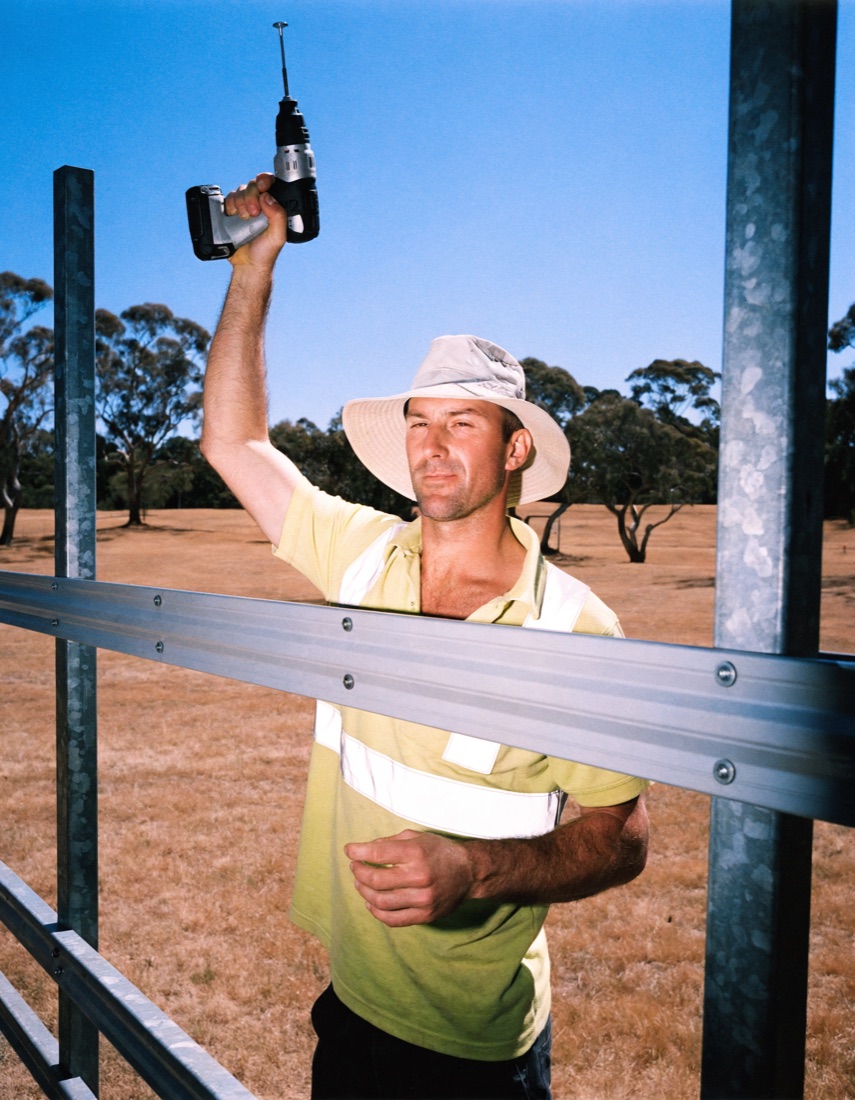
A live demo call from Sophiie. Two minutes, no sales pitch.
Sophiie gives each fencing enquiry a job record for the fence details. Your team can schedule around site measures, material availability and install crews. Customers waiting on quote approval or install timing can get status updates, and the follow-up details keep the work moving.
Track measurements, gate notes, access issues, crew schedules, and customer follow-ups in one place; Sophiie uses that context to build the first job record instead of another loose message.

For fencing contractors, Sophiie keeps scheduling decisions tied to site measures, material availability, and install crews; availability, job type, and assigned people stay visible before work starts.

A fencing status can show whether the job is measured, quoted, awaiting approval, scheduled, or installed.

Keep notes, attachments, communication, and job history together so the next fencer is not starting cold.

Use reminders around "schedule the install and track completion" so follow-ups match how fencing contractors actually finish the work.

How it works
Use this step to define how fencing contractors should capture fencing details before the first job or follow-up reaches the team.
At this stage, Sophiie keeps measurements, access, and material notes attached to the customer, quote, booking, or job record.
Send the quote or follow it up using the measurements, gate notes, and material choices on the job record, so the team is not making decisions from a loose message.
Use status, history, notes, and reminders so the install schedule and completion status remain visible after the first conversation, even when timing changes.
Fencing jobs carry more detail than length and height. Gate swing, boundary notes, neighbour access, slope, material choice, and old fence removal all affect the install. If the installer only gets a calendar invite, the team may arrive without the context that keeps the day moving.
Sophiie gives each fencing enquiry a job record for contact details, site notes, photos, measurements, assigned crew, status, reminders, and quote follow-up. Approved work can become scheduled work with the history attached instead of starting from scratch.
In measures, material choices, gates, and install crews, Sophiie connects call answering, customer history, booking support, reminders, and job records so installers see the boundary, gate, and access notes before arrival. Job Management Software for Fencing Contractors makes operational details easier to find when the next decision is due.
That matters when a quote is approved after a measure and needs to become an install date.
On a fencing run of site measures, accepted quotes, and installs, the team can see status, customers can receive timely updates, and future visits start from a record instead of a guess.
Services & features
6 services
Sophiie helps fencing contractors manage fence type, boundary notes, gate requirements, shared access, scheduled work, notes, reminders, and customer follow-up.
Learn more about Smart Scheduling for Fencing ContractorsAI Invoice Generator for Fencing from Sophiie helps fencing contractors create branded invoices with detailed line items, Xero sync, payment status, and reminders.
Learn more about AI Invoice Generator for FencingSophiie helps fencing teams capture measurements, material choice, gate count, and site access, build quotes from their service list, send follow-ups, and.
Learn more about AI Quoting for FencingA fencing CRM for keeping boundary details, measurements, quote conversations, and follow-ups attached to each customer.
Learn more about Fencing CRM for Fence Leads, Measurements, and ApprovalsSophiie helps fencing contractors manage email enquiries with trained drafts, thread context, attachments, and follow-up notes for fencing work.
Learn more about AI Email Responder for FencingSophiie helps fencing contractors with website chat: collecting fence material, approximate length, gates, slope, demolition, neighbour timing and access, answering approved FAQs, booking suitable work and keeping customer history organised.
Learn more about AI Chatbot for Fencing
Calls, quotes and scheduling on autopilot.

Emergency and routine calls, handled 24/7.

Service calls and installs booked for you.

Quotes and site visits locked in fast.

Inquiries and jobs booked while you build.

Recurring and one-off bookings, all handled.

Compliance visits and callouts, booked for you.

Quotes and installs booked while you lay.

Quotes and bookings sorted while you paint.

Every small job captured and scheduled.

Inquiries answered while you're on the trowel.

Regular services and callouts, scheduled.

Pour dates and quotes, no phone tag.

Urgent leak calls answered around the clock.

Quotes and schedules handled between lays.
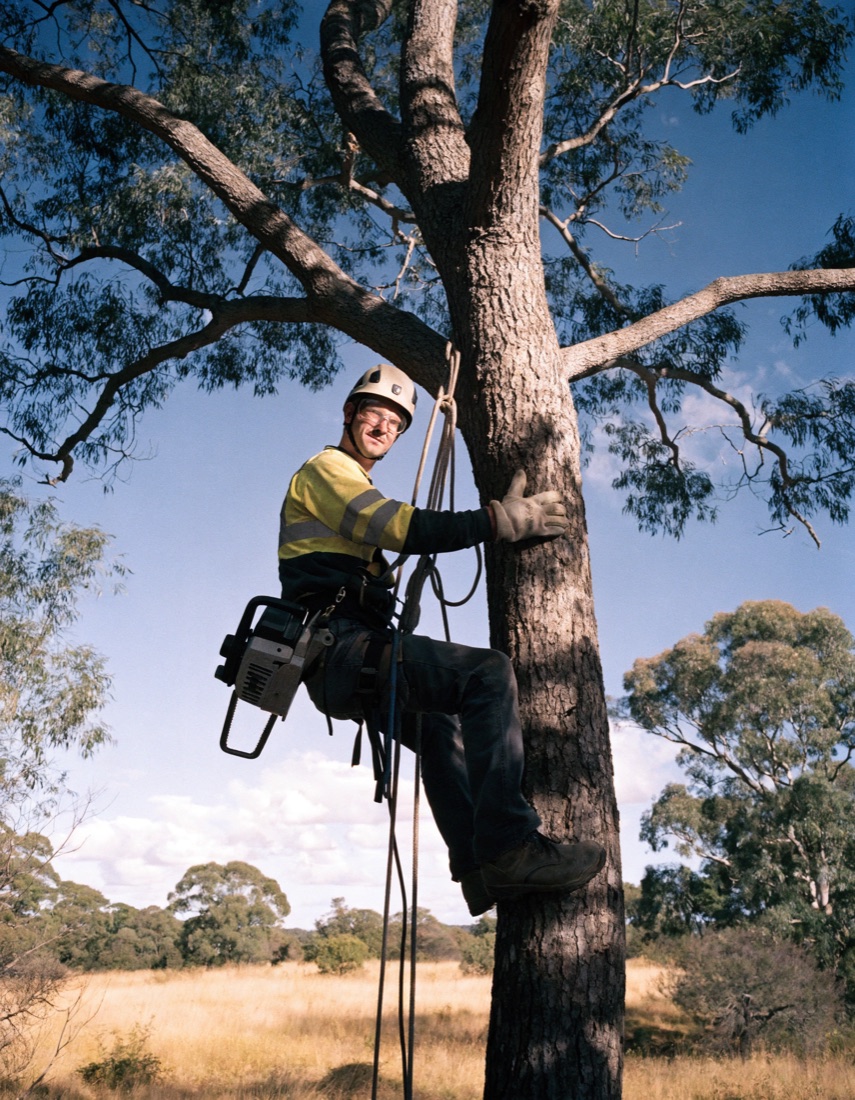
Tree work quoted and booked while you climb.
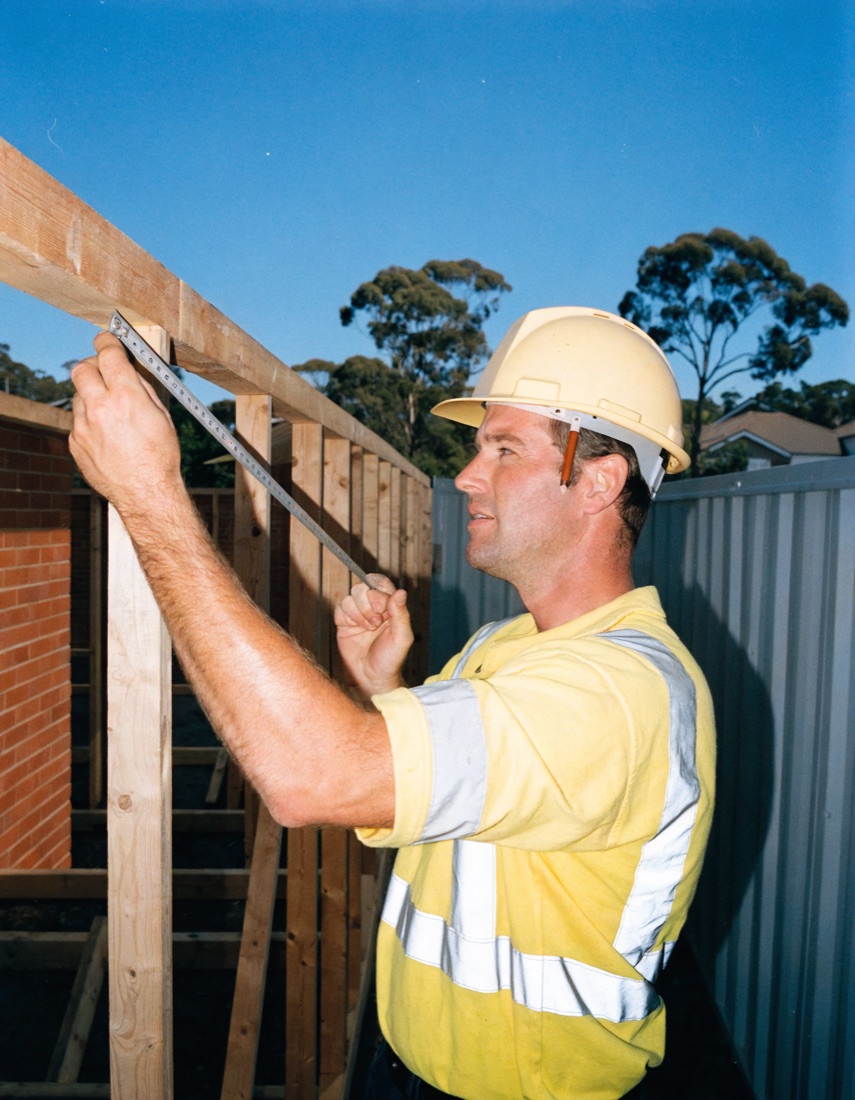
Calls and job admin handled at every stage.
Yes. Measurements, photos, and notes can stay attached to the job record for quoting and installation.
Yes. Sophiie supports quote tracking and follow-up, helping pending fence quotes stay visible.
Yes. Jobs can include assigned team members so the schedule shows who is responsible.
Yes. For job management software for fencing contractors, Sophiie supports updates when jobs are booked, rescheduled, or completed.
Let Sophiie capture enquiries, organise job details, manage schedules, and keep fencing contractors moving with less back-office chasing.