Speak to Sophiie
A live demo call from Sophiie. Two minutes, no sales pitch.
Junk and rubbish removal
Bring customer communication, job tracking, scheduling, quoting, and billing into one AI office manager.
Learn more about Sophiie's AI office manager.

A live demo call from Sophiie. Two minutes, no sales pitch.
These blocks focus on junk removal software: customer communication in one place, pickup job management, quoting workflow support, and the follow-up details that keep the work moving.
Calls, emails, texts, and chat details can stay connected to the customer and job.

Track address, load notes, schedule, assigned crew, status, photos, and completion details.

Build, send, track, and follow up professional quotes from your service list.


Train Sophiie on your services, tone, FAQs, and workflow preferences.

How it works
Define how your business should capture junk removal details before the first job or follow-up reaches the team.
At this stage, Sophiie keeps the information from incoming calls, forms, messages, and chats attached to the customer, quote, booking, or job record.
This step turns the captured context into the right next action for junk removal software: a booking, quote, assigned job, reminder, or invoice follow-up.
Use status, history, notes, and reminders so "Track completion, invoice status, and future follow-ups" remains visible after the first conversation, even when timing changes.
A growing junk removal business can end up with one tool for calls, one for calendars, one for quotes, one for invoices, and a group chat for everything else. The team spends too much time moving information between tools and not enough time moving jobs forward.
Sophiie gives the front office a connected software workflow. It answers and captures enquiries, stores customer history, creates and tracks jobs, supports quoting, helps with scheduling, and keeps invoicing and reminders visible.
For junk removal software, Sophiie brings together the practical front-office capabilities behind the workflow: AI phone answering, CRM, job management, booking, quoting, invoicing, email, text, chatbot, webform capture, reminders, and customer updates. For junk removal software, the exact mix depends on the job, but the goal is to collect better information once and keep it attached to the next action.
That makes job records easier to audit. For a junk removal business, a customer conversation can become a customer record, quote, scheduled job, invoice, or reminder without copying details across disconnected tools.
For junk removal software, Sophiie does not replace trade judgement, field decisions, compliance checks, specialist telematics, or accounting advice. For junk removal software, it gives the team cleaner records, faster follow-up, and a calmer way to manage the admin around the work.
Whichever trade you're in, learn more about Sophiie's AI for tradies.

Calls, quotes and scheduling on autopilot.

Emergency and routine calls, handled 24/7.
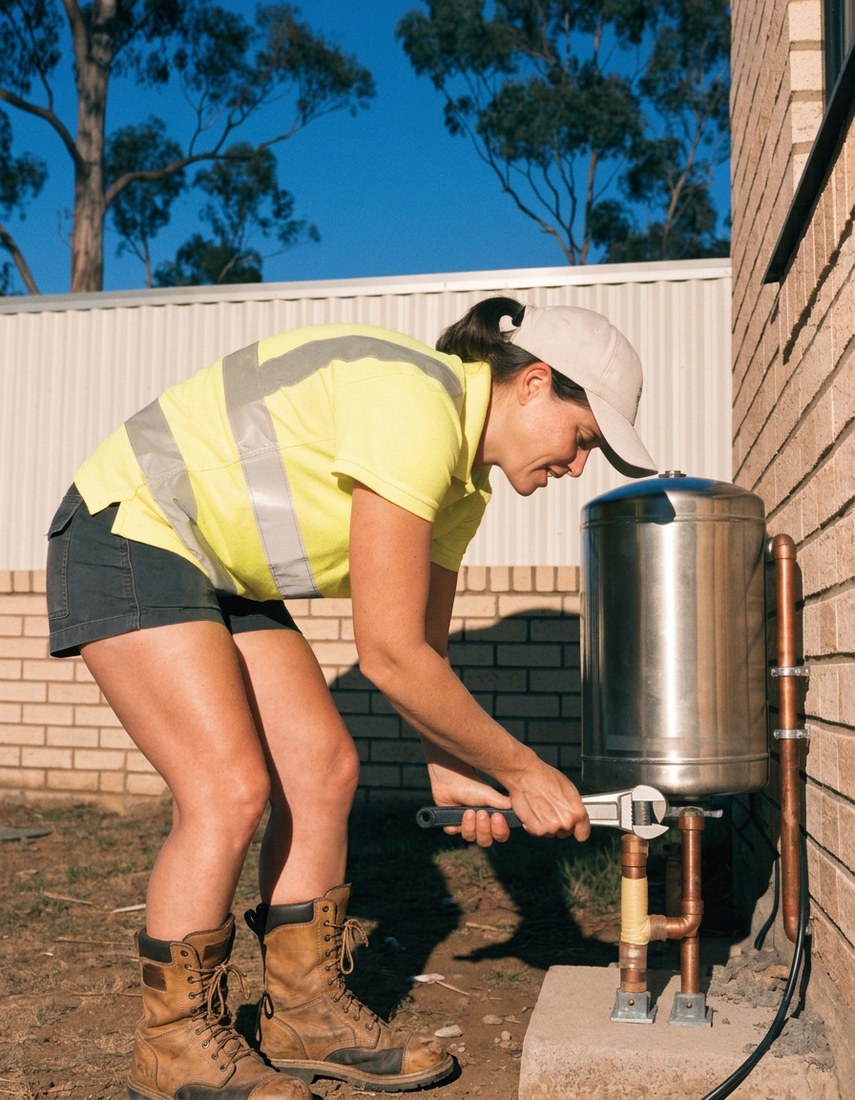
Service calls and installs booked for you.

Quotes and site visits locked in fast.

Inquiries and jobs booked while you build.

Recurring and one-off bookings, all handled.
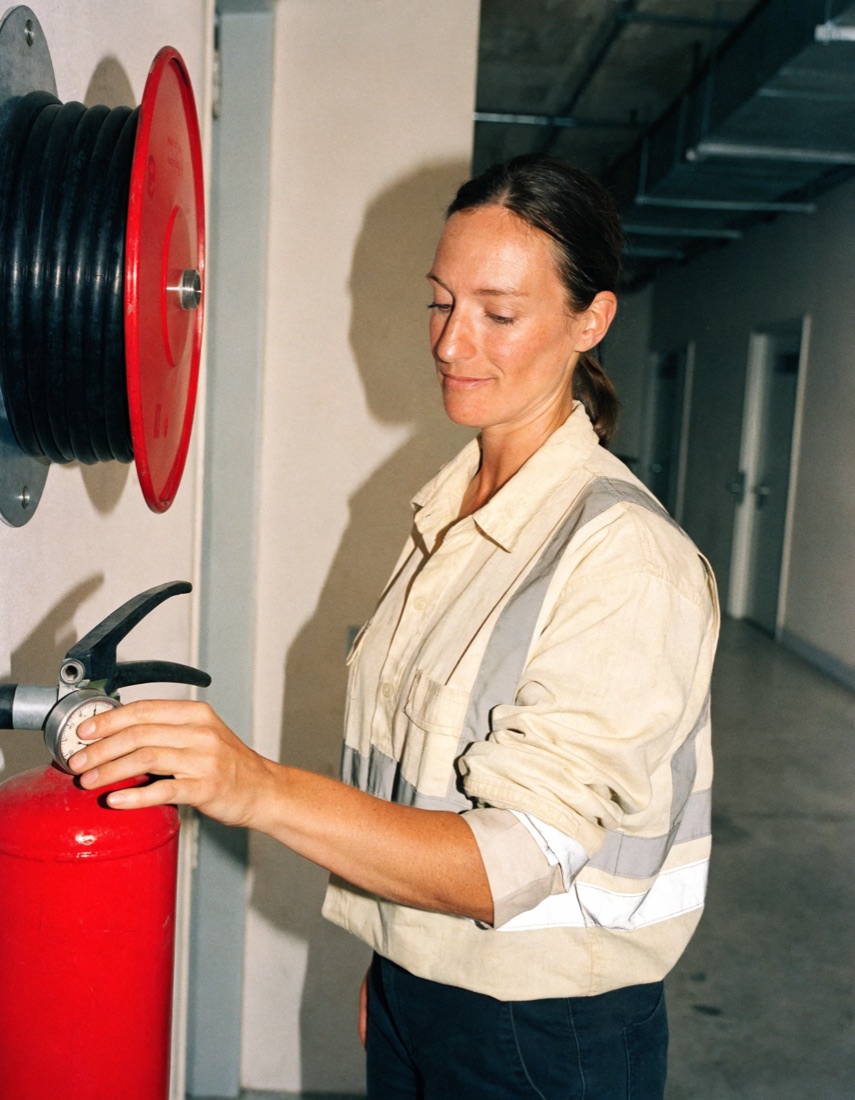
Compliance visits and callouts, booked for you.

Quotes and installs booked while you lay.

Quotes and bookings sorted while you paint.

Every small job captured and scheduled.

Inquiries answered while you're on the trowel.

Regular services and callouts, scheduled.

Site visits and quotes locked in fast.

Pour dates and quotes, no phone tag.

Urgent leak calls answered around the clock.

Quotes and schedules handled between lays.
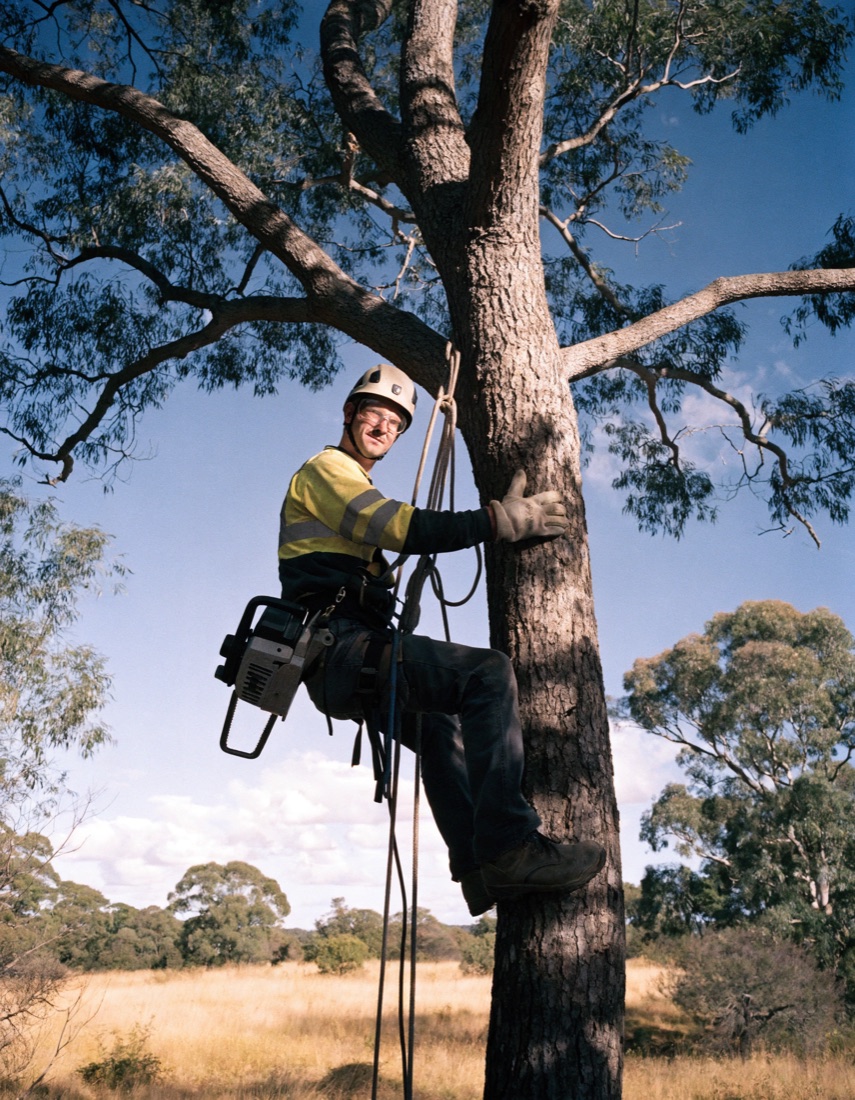
Tree work quoted and booked while you climb.

Calls and job admin handled at every stage.
A message that says "junk to go, Saturday" tells your team almost nothing. Truck space, access, weight and disposal limits decide whether the job can be booked at all, and a quote built on a one-line message is a guess.
For example, a rubbish removal business might get a call from a seller who needs a house emptied before settlement on Friday. Sophiie records the item list, rough volume, stairs, parking and the deadline, marks the enquiry urgent and follows the escalation path you set. If whoever runs the trucks wants these calls live, Sophiie can put the seller through after briefing them on the deadline and the load. Your team decides whether a crew and truck can make the date. Sophiie doesn't promise one.
A homeowner wants a garage cleared and sends photos. Sophiie collects the photos, item types, heavy items and access notes, and routine loads can be quoted from your service list using the line items you already charge, like truck space, labour, disposal fees, stairs and travel. Anything involving hazardous material, asbestos concerns or unclear volume is kept for a human decision with the details already collected. Sophiie helps send the quote by email or text and follows up while the homeowner decides.
When the customer accepts, the job moves into a pickup window with the load description, access instructions and assigned crew visible. If you want a human check before anything is hard booked, bookings can wait as pending for your office. If the customer needs to move the day, the latest plan stays on the job.
Real estate agents and builders call again. The customer record keeps their past jobs, notes, conversations and reminders together, so the office can see what was collected from which site last time.
The job record keeps completion details, photos and status with the job. Sophiie then helps turn the load, labour and disposal lines into an invoice draft, and overdue invoices get follow-up on the timing you set. It works alongside your accounting software.
Sophiie handles intake, quotes from your price list, bookings and follow-up. She doesn't decide whether material is hazardous or work out load sizes and truck routes. Disposal rules, crew decisions and any change to price or scope stay with your team, and she doesn't replace your telematics or disposal systems.
Sophiie is an AI receptionist and office manager for service businesses, covering communication, CRM, job management, scheduling, quoting, invoicing, and reminders.
Not always. It can reduce front-office tool sprawl, but specialist telematics, disposal, or accounting systems may still be needed.
Yes. You can train Sophiie with business information, services, FAQs, and response preferences.
Yes. Sophiie invoicing supports Xero sync.
Use Sophiie to support junk removal software with cleaner intake, customer records, next-step reminders, and follow-up that stays tied to the work.