Speak to Sophiie
A live demo call from Sophiie. Two minutes, no sales pitch.
Pressure washing
A connected office workflow for crews on the move
Learn more about Sophiie's AI office manager.

A live demo call from Sophiie. Two minutes, no sales pitch.
Sophiie focuses on the office and customer workflow around surface cleaning jobs.
Answer calls, collect website enquiries, capture customer details, and summarise the pressure washing request.

Use surface details, photos, service lists, pricing inputs, and customer history to prepare professional estimates.

Book jobs, assign crews, reschedule weather changes, and send customers confirmations or reminders.
Track notes, photos, equipment requirements, status updates, assigned team members, and completion details.

Create invoices, sync with Xero, send payment reminders, and keep repeat service reminders visible.

How it works
Add services, pricing inputs, quote questions, equipment prompts, service areas, booking rules, and invoice settings.
Sophiie records surface type, photos, access notes, address, timing, and contact information.
Send the estimate, follow up approval, assign the crew, update job status, and keep photos or notes attached.
Create invoices, send payment reminders, and set prompts for seasonal or recurring pressure washing.
A pressure washing job is more than the wash. The business has to answer the enquiry, review photos, estimate the work, schedule around weather and access, prepare the right gear, complete the job, invoice, and follow up. Sophiie connects those office tasks.
This makes it useful for residential driveway cleans, house washing, roof work, commercial forecourts, strata properties, and recurring exterior maintenance.
The customer record can hold calls, texts, emails, photos, estimates, job notes, invoices, and reminders. The job record can hold assigned team members, scheduled times, equipment notes, status updates, and attachments.
That continuity stops approved work from becoming a vague calendar slot and helps crews arrive with the context they need.
Sophiie is not a lead generator, GPS asset tracker, or automatic surface measuring tool. It is an AI office manager for the workflow around pressure washing: communication, CRM, estimating, scheduling, job tracking, invoicing, and reminders.
For small teams, that is often the difference between growing the business and spending every evening catching up on admin.
Whichever trade you're in, learn more about Sophiie's AI for tradies.

Calls, quotes and scheduling on autopilot.
Emergency and routine calls, handled 24/7.
Service calls and installs booked for you.

Quotes and site visits locked in fast.
Inquiries and jobs booked while you build.
Recurring and one-off bookings, all handled.
Compliance visits and callouts, booked for you.

Quotes and installs booked while you lay.

Quotes and bookings sorted while you paint.
Every small job captured and scheduled.

Inquiries answered while you're on the trowel.

Regular services and callouts, scheduled.
Site visits and quotes locked in fast.

Pour dates and quotes, no phone tag.

Urgent leak calls answered around the clock.

Quotes and schedules handled between lays.
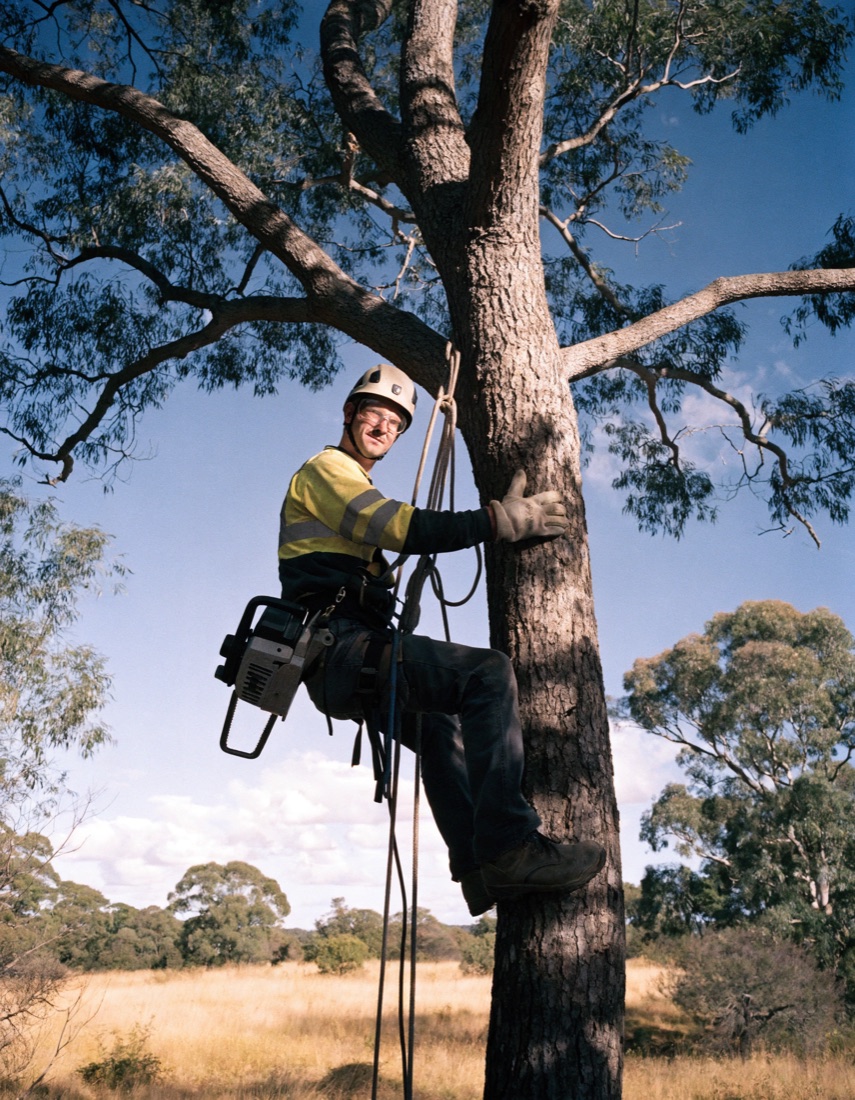
Tree work quoted and booked while you climb.

Calls and job admin handled at every stage.
Pressure washing enquiries rarely arrive complete. A caller says "driveway" and leaves out the oil stains, the steep slope, the missing outdoor tap and the open home on Saturday. Sophiie's job is to collect those details before anyone prices the work.
A pre-sale clean with a fixed date. For example, a pressure washing business might take a call from a seller who needs the driveway and house front cleaned before an open home. Sophiie asks your intake questions: surface type, approximate area, stain type, water access and the deadline. A pre-sale clean is one of the conditions you can mark as urgent, so the enquiry is flagged and follows your escalation rules. If those rules say the owner takes these calls, Sophiie can put the caller through and brief the owner before connecting, so the seller does not have to repeat the details.
A repeat strata or commercial clean. A strata manager who wants the car park and bin area cleaned every quarter needs a different path. Sophiie records the site address, the access window, who approves the work and any photos the manager sends, then keeps them on the customer record so the next visit starts from the same notes. Routine work can be quoted from your service list, and the quote goes out by SMS or email with its approval status visible. Repeat service reminders stay visible, so the next clean is not left to memory.
When rain or an access problem changes the day, Sophiie's scheduling tools support rescheduling and customer messaging, and the reschedule request stays tied to the original customer and job.
Sophiie does not measure a roof or a driveway from photos. She does not decide what pressure, nozzle or chemical a surface can take, and she does not promise a customer that a stain will come out. Those calls belong to the person who has seen the surface.
What Sophiie does is collect what the customer says, keep the photos with the record and send anything that needs judgement to the person your rules name: a delicate surface, a slip hazard, a job at height or an unusual access problem. Quotes follow the prices and rules you load. A job that does not fit them goes to your team for review instead of getting a guessed price.
Sophiie supports call answering, chatbot enquiries, CRM, estimates, scheduling, job management, notes, photos, invoices, and reminders.
Sophiie can help create estimates from the services, product descriptions, pricing inputs, and job details you provide. Your team reviews pricing before sending.
Yes. Sophiie's scheduling tools support rescheduling and customer messaging when weather or access changes the day.
Sophiie can create invoices, sync them with Xero, track payment status, and send reminders for overdue invoices.
Use Sophiie to capture enquiries, send estimates, schedule crews, track jobs, invoice customers, and follow up.