Speak to Sophiie
A live demo call from Sophiie. Two minutes, no sales pitch.
Appliance repair
Sophiie keeps customer profiles, appliance details, repair conversations, job history, invoices, and follow-ups together so every repeat call starts with context.
Learn more about Sophiie's AI office manager.
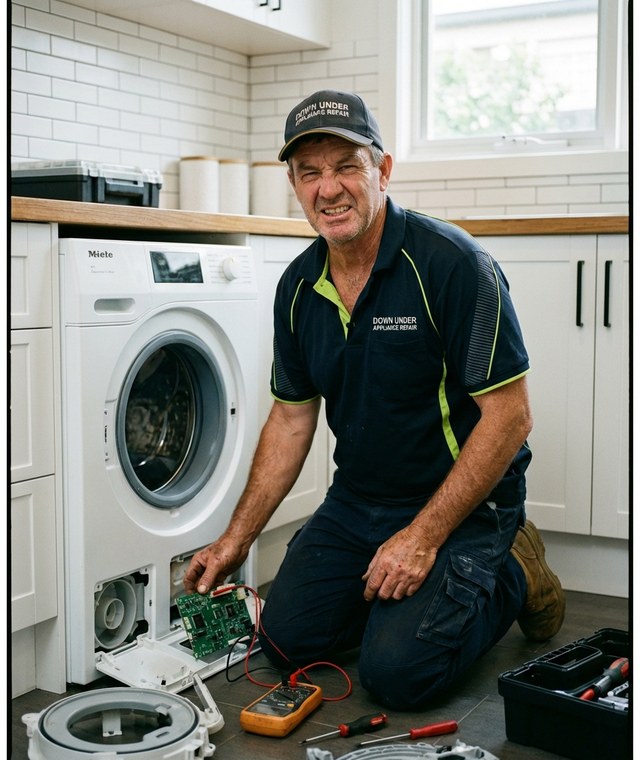
A live demo call from Sophiie. Two minutes, no sales pitch.
Repair customers often need multiple touchpoints: initial call, model details, appointment, parts update, invoice, and future follow-up. Sophiie keeps that thread intact.
Store contact details, property access, preferred communication, appliance notes, job history, and reminders.

Calls, emails, texts, chatbot transcripts, and summaries can sit with the customer instead of across disconnected inboxes.

Upcoming and past repair visits stay visible, including schedule, status, assigned technician, notes, and attachments.

Track pending quotes, sent invoices, overdue reminders, and customer questions from the same customer record.

Notes about appliance age, recurring faults, access instructions, and preferred times help the next booking feel less like a cold start.

How it works
Add contact details, appliance information, property notes, and preferred communication channels.
Let Sophiie record calls, messages, emails, bookings, and job updates against the customer.
Use status, assignments, notes, reminders, quotes, and invoices to keep the customer informed.
When the customer returns, review past jobs, appliance details, invoices, and notes before booking again.
A one-off repair still creates history: model details, fault notes, parts discussed, access instructions, invoice status, and whether the issue might return. Losing that history makes the next call slower.
Sophiie keeps the customer story attached to the work. The office can see calls, messages, bookings, job status, invoices, notes, and reminders before responding.
When a customer calls back about the same oven or fridge, Sophiie helps your team start from what is already known instead of asking every question again.
Whichever trade you're in, learn more about Sophiie's AI admin tools for tradies.

Calls, quotes and scheduling on autopilot.

Emergency and routine calls, handled 24/7.

Service calls and installs booked for you.

Quotes and site visits locked in fast.

Inquiries and jobs booked while you build.

Recurring and one-off bookings, all handled.

Compliance visits and callouts, booked for you.

Quotes and installs booked while you lay.

Quotes and bookings sorted while you paint.

Every small job captured and scheduled.

Inquiries answered while you're on the trowel.

Regular services and callouts, scheduled.

Site visits and quotes locked in fast.

Pour dates and quotes, no phone tag.

Urgent leak calls answered around the clock.

Quotes and schedules handled between lays.

Tree work quoted and booked while you climb.

Calls and job admin handled at every stage.
Sophiie connects contact details to calls, messages, jobs, invoices, notes, appliance history, and reminders.
Yes. Profiles can show repair history, appliance notes, communication, and future reminders.
Yes. Sophiie supports texts, emails, confirmations, reminders, and call summaries so updates are easier to manage.
Yes. Job records and mobile workflows can show customer details, notes, schedule, and history.
Sophiie tracks invoices and payment status through invoicing workflows, but sensitive payment processing depends on your connected payment and accounting setup.
Use Sophiie to keep profiles, repair history, communication, bookings, invoices, and follow-up in one working record.