Speak to Sophiie
A live demo call from Sophiie. Two minutes, no sales pitch.
Plasterers
Organise repair notes, photos, drying times, access, crew schedules, and completion updates.
Learn more about Sophiie's job management software.

A live demo call from Sophiie. Two minutes, no sales pitch.
Sophiie captures plastering job details at intake, then helps schedule patch repairs and staged boarding around drying times and return sanding. It supports status updates for customers waiting on the next coat, sand, or handover, and tracks the follow-up details that keep the work moving.
Organise repair notes, photos, drying times, access, crew schedules, and completion updates; Sophiie uses that context to build the first job record instead of another loose message.

For plasterers, Sophiie keeps scheduling decisions tied to patch repairs, staged boarding, drying times, and return sanding; availability, job type, and assigned people stay visible before work starts.

A plastering status can show whether the job is quoted, first-coated, drying, ready for return, or complete.
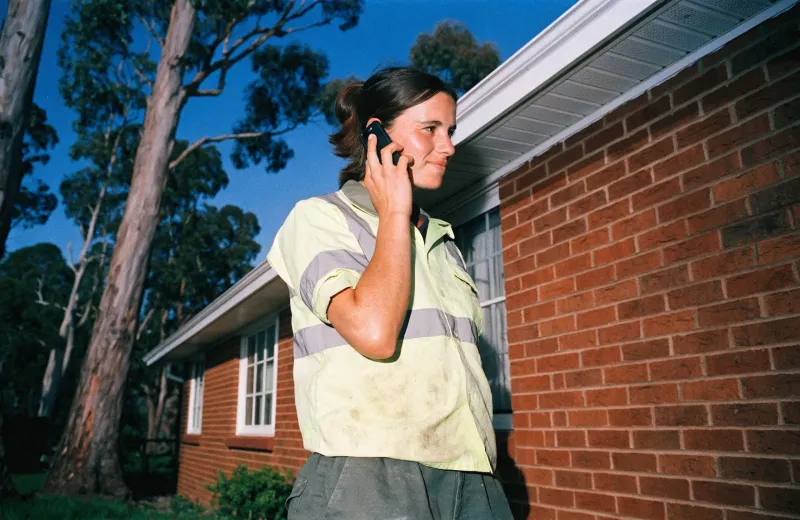
Keep notes, attachments, communication, and job history together so the next plasterer is not starting cold.
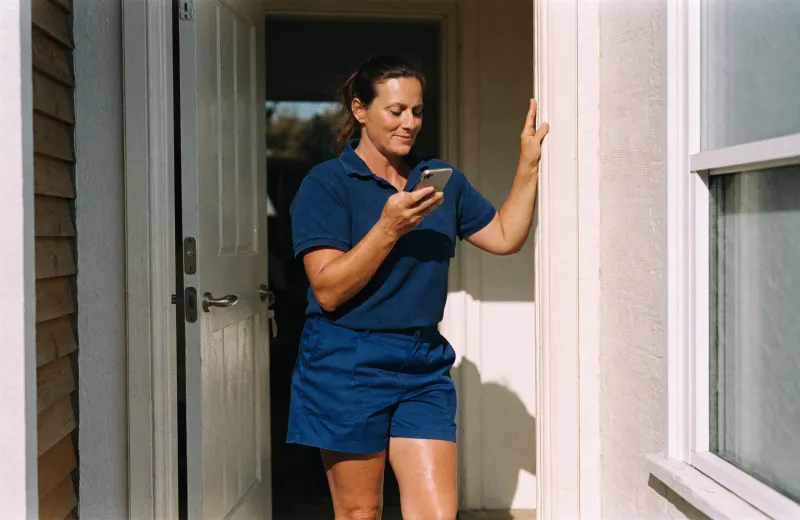
Set reminders for the next coat, the sanding return, and the customer update so follow-ups match how plasterers actually finish the work.
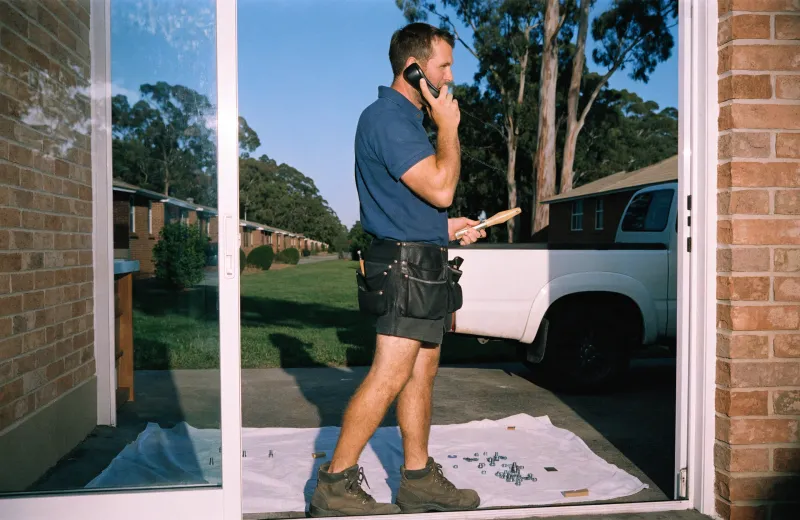
How it works
Set up your plastering services, crew availability, and intake questions before the first job or follow-up reaches the team.
At this stage, Sophiie keeps photos, surface details, and access notes attached to the customer, quote, booking, or job record.
Schedule the first visit, sanding return, or quote follow-up from the surface photos and access notes on the job, so the team is not making decisions from a loose message.
Use status, history, notes, and reminders so the current job stage, return-visit details, and pending customer follow-ups stay visible after the first conversation, even when timing changes.
A plastering enquiry might be a small patch, a ceiling repair, a renovation stage, or a job waiting on another trade. Drying times, sanding, painting readiness, access, and photos all matter. If those notes are not attached to the job, return visits become messy.
Sophiie keeps each plastering job tied to scope, address, photos, stage, schedule, assigned team, reminders, and status. The job history helps your team see what was agreed, what is next, and whether the customer needs an update.
In patch repairs, drying times, and staged plaster work, Sophiie connects call answering, customer history, booking support, reminders, and job records so surface photos and return-visit notes stay with the job.
That matters when a ceiling patch needs a first visit, drying time, and sanding return.
On a plastering schedule with repairs, stages, and finish checks, the team can see status, customers can receive timely updates, and future visits start from a record instead of a guess.
Services & features
6 services
Sophiie helps plasterers manage affected rooms, damage type, photos, other trades on site, scheduled work, notes, reminders, and customer follow-up.
Learn more about Smart Scheduling for PlasterersAI Invoice Generator for Plasterers from Sophiie helps plasterers create branded invoices with detailed line items, Xero sync, payment status, and reminders.
Learn more about AI Invoice Generator for PlasterersSophiie helps plastering teams capture dimensions, damage photos, finish level, and access notes, build quotes from their service list, send follow-ups, and.
Learn more about AI Quoting for PlasterersA plasterer CRM for keeping damage notes, site access, quote history, and customer follow-ups organised.
Learn more about Plasterer CRM for Repair Notes, Quotes, and Follow-UpSophiie helps plasterers manage email enquiries with trained drafts, thread context, attachments, and follow-up notes for plastering work.
Learn more about AI Email Responder for PlasterersSophiie helps plasterers with website chat: collecting damage type, rooms, ceiling height, access, drying time, painting plans and quote visit needs, answering approved FAQs, booking suitable work and keeping customer history organised.
Learn more about AI Chatbot for Plasterers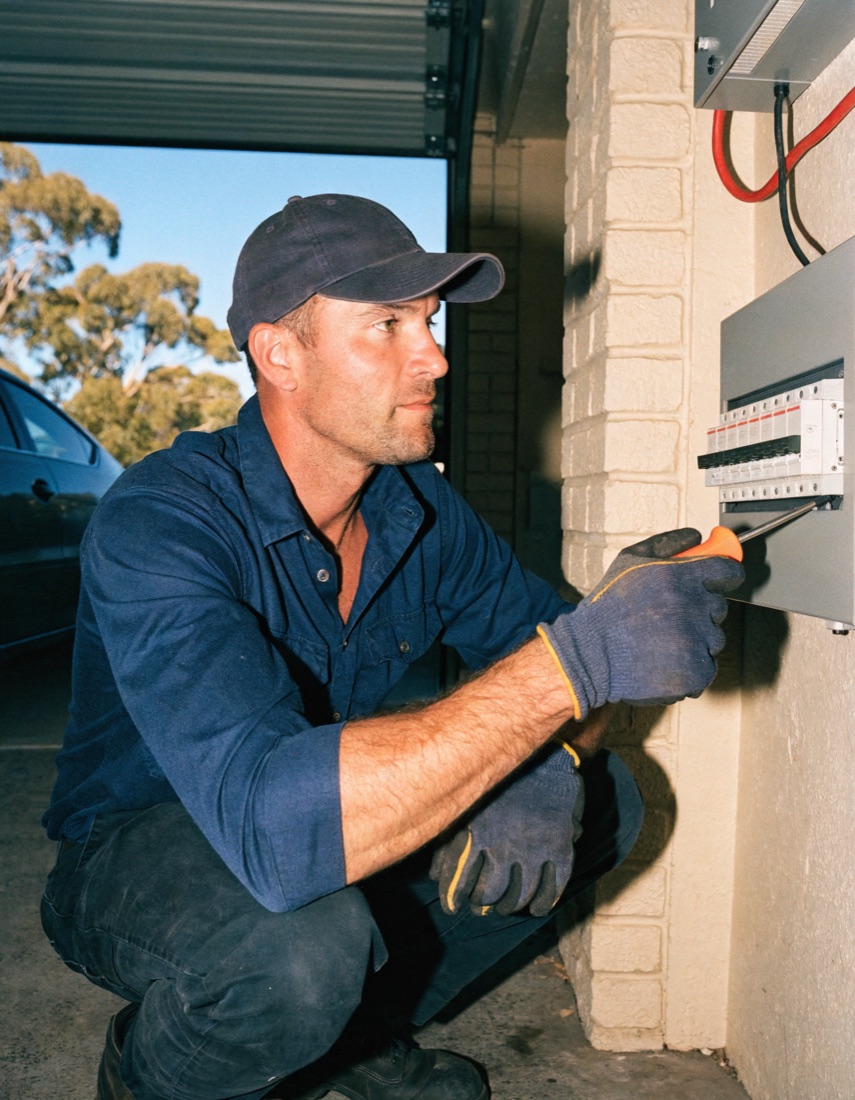
Calls, quotes and scheduling on autopilot.

Emergency and routine calls, handled 24/7.
Service calls and installs booked for you.
Quotes and site visits locked in fast.
Inquiries and jobs booked while you build.
Recurring and one-off bookings, all handled.
Compliance visits and callouts, booked for you.
Quotes and installs booked while you lay.

Quotes and bookings sorted while you paint.
Every small job captured and scheduled.

Regular services and callouts, scheduled.
Site visits and quotes locked in fast.
Pour dates and quotes, no phone tag.

Urgent leak calls answered around the clock.

Quotes and schedules handled between lays.
Tree work quoted and booked while you climb.
Calls and job admin handled at every stage.
Yes. Reminders and scheduled jobs can help track return visits for sanding, finishing, or follow-up work.
Yes. Photos and notes can be attached to the plastering job record so the team can review scope and surface condition.
Yes. Status updates and notes can show when work is pending, in progress, rescheduled, or completed.
Yes. For job management software for plasterers, Sophiie supports customer updates when jobs are booked, rescheduled, or completed.
Let Sophiie capture enquiries, organise job details, manage schedules, and keep plasterers moving with less back-office chasing.