Speak to Sophiie
A live demo call from Sophiie. Two minutes, no sales pitch.
Appliance repair
Know the appliance, symptom, location, and customer before the visit.
Learn more about Sophiie's AI office manager.
A live demo call from Sophiie. Two minutes, no sales pitch.
Keep the communication around mobile repairs structured, from first call to invoice.
Sophiie can ask for the appliance type, brand, model, age, fault symptom, and whether the customer can send a photo.

Book repair visits or queue them for review based on availability, service area, and the type of appliance problem.

Job records can include call summaries, customer history, access instructions, photos, and promised follow-ups.

Sophiie can help send service-call estimates or repair quotes from your trained service list, then follow up pending approvals.

Use Sophiie's invoicing workflow to create invoices, track payment status, send reminders, and sync with Xero.

How it works
Add the appliances you service, service areas, questions to ask, booking rules, and pricing notes.
Sophiie records appliance type, model, symptoms, access, warranty notes if relevant, and preferred visit times.
Straightforward repairs can move toward booking, while unclear faults can be flagged before a technician is assigned.
Send confirmations, reminders, quote follow-ups, and invoice updates from the same customer timeline.
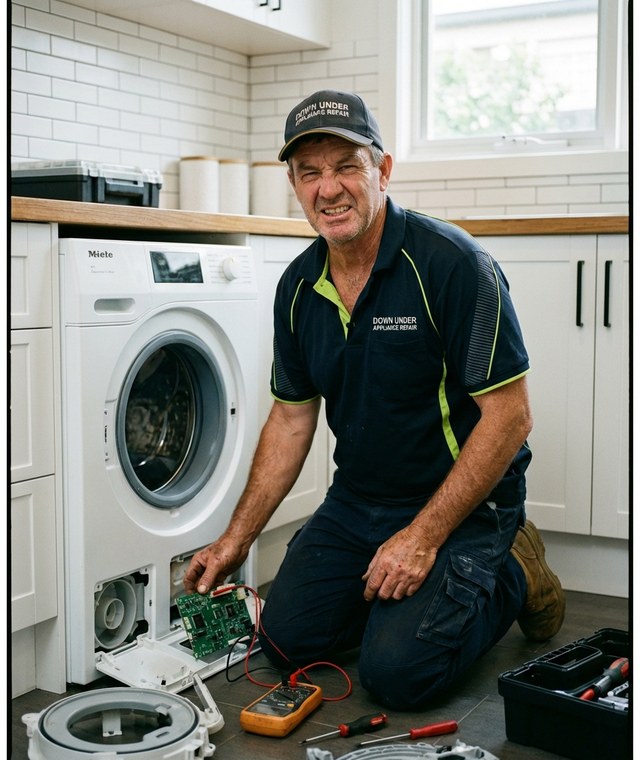
Appliance repair calls often arrive with incomplete information. A fridge is not cooling, a washer is leaking, an oven will not heat, or a dishwasher is throwing an error code. Without model and symptom details, the technician may arrive underprepared.
Sophiie can structure that intake before the visit is booked. She asks for the appliance type, brand, model, symptom, location, access notes, and preferred time, then stores it in the customer record.
Because appliance repair is field-based, notes can easily get lost between the call and the job. Sophiie's job manager and CRM help keep call summaries, photos, access details, quote status, reminders, and invoices attached to the customer.
If a customer calls back about a part, a return visit, or a previous fault, the office does not have to rebuild the story from memory.
Quotes, follow-ups, appointment reminders, and invoices can all move through Sophiie. That keeps the repair workflow professional without claiming to replace the technical diagnosis your technicians provide.
Whichever trade you're in, learn more about Sophiie's AI tools for tradies.

Calls, quotes and scheduling on autopilot.

Emergency and routine calls, handled 24/7.

Service calls and installs booked for you.

Quotes and site visits locked in fast.

Inquiries and jobs booked while you build.

Recurring and one-off bookings, all handled.

Compliance visits and callouts, booked for you.

Quotes and installs booked while you lay.

Quotes and bookings sorted while you paint.

Every small job captured and scheduled.

Inquiries answered while you're on the trowel.

Regular services and callouts, scheduled.

Site visits and quotes locked in fast.

Pour dates and quotes, no phone tag.

Urgent leak calls answered around the clock.

Quotes and schedules handled between lays.

Tree work quoted and booked while you climb.

Calls and job admin handled at every stage.
No. Sophiie collects the customer's description and job details. A technician still diagnoses and repairs the appliance.
Yes. Sophiie's webform workflow can capture photos or files so your team has more context before scheduling or quoting.
Yes. You can train Sophiie to ask for brand, model, appliance type, symptoms, and other details your team needs.
Sophiie's invoicing workflow can generate invoices, track status, send reminders, and sync invoices with Xero.
Use Sophiie to capture fault details, book the visit, and keep follow-up organised.