Speak to Sophiie
A live demo call from Sophiie. Two minutes, no sales pitch.
Pest control
Inspection intake, photos, access notes, reminders, and follow-up.
Learn more about Sophiie's AI office manager.
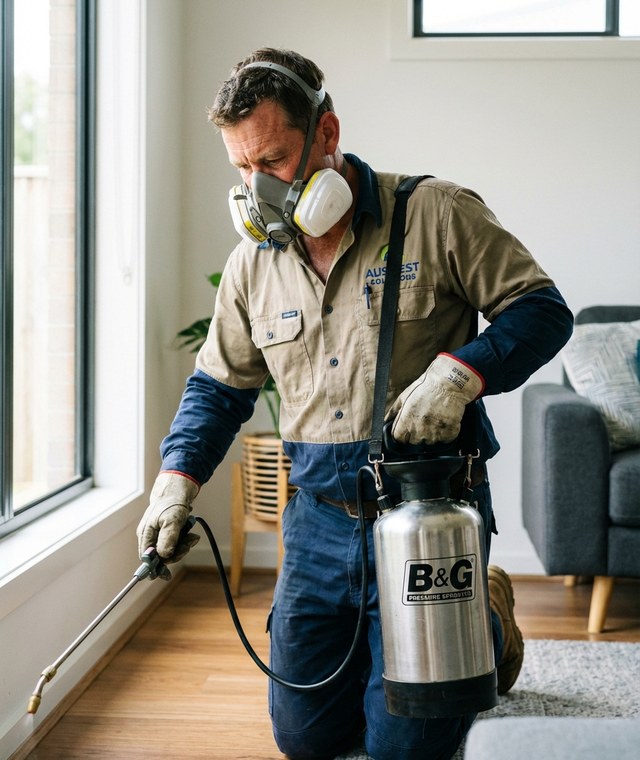
A live demo call from Sophiie. Two minutes, no sales pitch.
Sophiie handles the admin around inspections; specialist reporting or compliance software may still be required.
Ask about pest signs, property type, affected areas, access, pets, tenants, and preferred inspection times.

Customers can submit photos or documents through Sophiie's webform before an inspection is booked.

Sophiie can check availability, create confirmed or pending bookings, and send reminders.

Store call summaries, photos, inspection notes, assigned staff, customer messages, and follow-up tasks.

If inspection leads to a quote, Sophiie can track status and send SMS or email follow-ups.

How it works
Add the questions your team needs before booking termite, rodent, general pest, or pre-purchase inspections.
Sophiie records customer details, pest signs, access, photos, and preferred times.
Simple appointments can be booked, while complex requests can be marked for review.
Store notes, reminders, quotes, messages, invoices, and next actions in the customer timeline.
A pest inspection booking is more useful when the technician knows what the customer saw, where they saw it, who has access, and whether photos are available. Without that context, the inspection starts with preventable questions.
Sophiie captures the intake details across calls, messages, email, chat, or forms before the booking lands in the calendar.
Sophiie does not replace specialist inspection reporting software or compliance processes. It supports the front-office workflow around the inspection: answering, booking, reminders, notes, photos, customer history, and estimate follow-up.
That makes the inspection easier to coordinate without overclaiming what AI should decide.
If the inspection leads to a treatment estimate, Sophiie can track the quote status and send follow-ups. If the customer has future reminders or recurring checks, those can stay in the CRM timeline.
Whichever trade you're in, learn more about Sophiie's AI built for tradies.

Calls, quotes and scheduling on autopilot.

Emergency and routine calls, handled 24/7.

Service calls and installs booked for you.

Quotes and site visits locked in fast.

Inquiries and jobs booked while you build.

Recurring and one-off bookings, all handled.

Compliance visits and callouts, booked for you.

Quotes and installs booked while you lay.

Quotes and bookings sorted while you paint.

Every small job captured and scheduled.

Inquiries answered while you're on the trowel.

Regular services and callouts, scheduled.

Site visits and quotes locked in fast.

Pour dates and quotes, no phone tag.

Urgent leak calls answered around the clock.

Quotes and schedules handled between lays.

Tree work quoted and booked while you climb.

Calls and job admin handled at every stage.
No. Sophiie supports intake, booking, customer records, notes, reminders, and follow-up. Specialist inspection reporting may still be needed.
Yes. Sophiie can collect termite inspection details and move the customer toward a confirmed or pending booking.
Yes. Sophiie's webform workflow can capture photos or files with the inspection request.
Yes. Sophiie's CRM and job tools can store notes, communication history, reminders, and related quotes or invoices.
Use Sophiie to capture inspection details, schedule visits, store notes, and follow up the next step.