Speak to Sophiie
A live demo call from Sophiie. Two minutes, no sales pitch.
Mould and water damage restoration
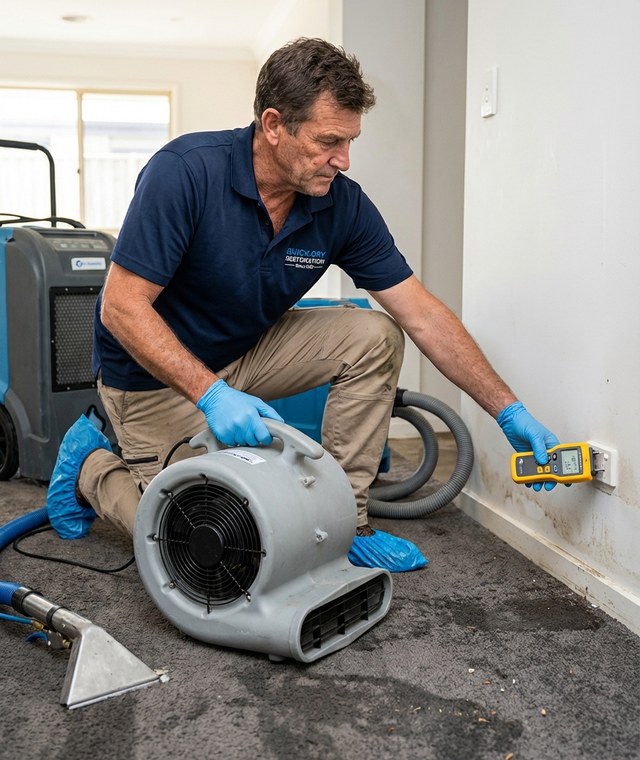
Sophiie does not replace extractors, air movers, or moisture meters. It gives your team the AI tools around them: instant call answering, clean intake, job records, customer updates, quotes, invoices, and follow-ups.
Learn more about Sophiie's AI office manager.
A live demo call from Sophiie. Two minutes, no sales pitch.
Use Sophiie to control the admin that surrounds restoration work: calls, forms, transfers, job notes, customer conversations, reminders, quotes, and invoices.
When several customers call at once, Sophiie can answer concurrently, collect loss details, filter routine questions, and escalate urgent calls according to your after-hours rules.

For non-phone enquiries, Sophiie webforms can collect names, phone numbers, site details, job descriptions, and photos, then send cleaned submissions into the same inbox as calls and messages.

If the caller needs a person immediately, Sophiie can route by call type, time of day, and on-call rules, while passing the caller name, suburb, reason, and urgency to the team.

Track scheduled visits, assigned team members, status changes, notes, reminders, photos, job history, invoices, and customer communications without spreading the job across separate spreadsheets.

Create professional quotes, follow up pending approvals, generate invoices from completed work, sync with Xero, and send overdue reminders from the Sophiie workflow.

How it works
Train Sophiie on the questions that matter: property address, water source, affected areas, safety concerns, access contact, preferred callback, and urgent escalation rules.
Bring calls, SMS, email, webform, and chatbot enquiries into Sophiie so your team has one queue instead of scattered phones and inboxes.
Let Sophiie transfer emergencies, book standard visits, or create pending work for a manager to confirm, depending on your workflow and risk level.
Use customer records, job notes, quote follow-ups, invoices, and payment reminders to keep the restoration job moving after the first response.
A restoration van can carry the right equipment and still lose time if the office workflow is weak. Calls arrive while technicians are extracting water. Customers send photos by text. A property manager emails new access details. Someone asks for a quote update while the next emergency is being booked. The admin tools around the job determine whether the team stays clear or gets buried.
Sophiie fills that operational gap. It gives water damage businesses a set of AI tools for answering, qualifying, routing, scheduling, recording, messaging, quoting, invoicing, and following up. Those are not glamorous tasks, but they are the tasks that decide whether a busy day turns into a controlled pipeline or a backlog of missed calls.
The first requirement is simple: answer the customer and capture enough information to make a decision. Sophiie can ask about the water source, the property type, the affected area, access instructions, safety concerns, and the best contact. It can distinguish an urgent call that needs escalation from a routine follow-up that can be booked or reviewed later.
When the customer prefers not to call, Sophiie can also use webforms, SMS, email, and chatbot conversations. A webform can collect photos and structured job details. A text thread can keep the customer updated. An email can be drafted from the customer context already in the dashboard.
Sophiie isn't a sensor platform, live moisture monitor, or automatic equipment-maintenance system. Its strength is front-office automation for restoration businesses. It makes the handoff from customer to team clearer, keeps the job record easier to trust, and reduces the admin work that delays response and follow-up.
That is why Sophiie is useful even when a restoration company already has excellent field tools. It gives the business a more reliable way to collect the story, assign the next action, and close the admin loop after the visit.
Mould and water damage restoration
Whichever trade you're in, learn more about Sophiie's AI built for tradies.

Calls, quotes and scheduling on autopilot.

Emergency and routine calls, handled 24/7.

Service calls and installs booked for you.

Quotes and site visits locked in fast.

Inquiries and jobs booked while you build.

Recurring and one-off bookings, all handled.

Compliance visits and callouts, booked for you.

Quotes and installs booked while you lay.

Quotes and bookings sorted while you paint.

Every small job captured and scheduled.

Inquiries answered while you're on the trowel.

Regular services and callouts, scheduled.

Site visits and quotes locked in fast.

Pour dates and quotes, no phone tag.

Urgent leak calls answered around the clock.

Quotes and schedules handled between lays.

Tree work quoted and booked while you climb.

Calls and job admin handled at every stage.
No. Sophiie is not drying equipment or a moisture-reading product. It is an AI receptionist and office manager that supports the admin around restoration work.
Yes. Sophiie can answer many calls at the same time, collect the required details, and apply your rules for urgent transfers, bookings, or pending review.
Yes. Sophiie webforms can collect photos and files, so your team can see useful job context before calling back or attending the site.
Yes. Calls, emails, texts, chats, job history, notes, and follow-up reminders can be kept in customer profiles and job records.
Yes. Sophiie supports quote creation and follow-up, invoice generation, Xero sync, payment tracking, and overdue reminders where those workflows are configured.
Use Sophiie to answer urgent enquiries, organise job details, keep customers updated, and finish quotes and invoices while your restoration team focuses on the site.