Speak to Sophiie
A live demo call from Sophiie. Two minutes, no sales pitch.
Appliance repair
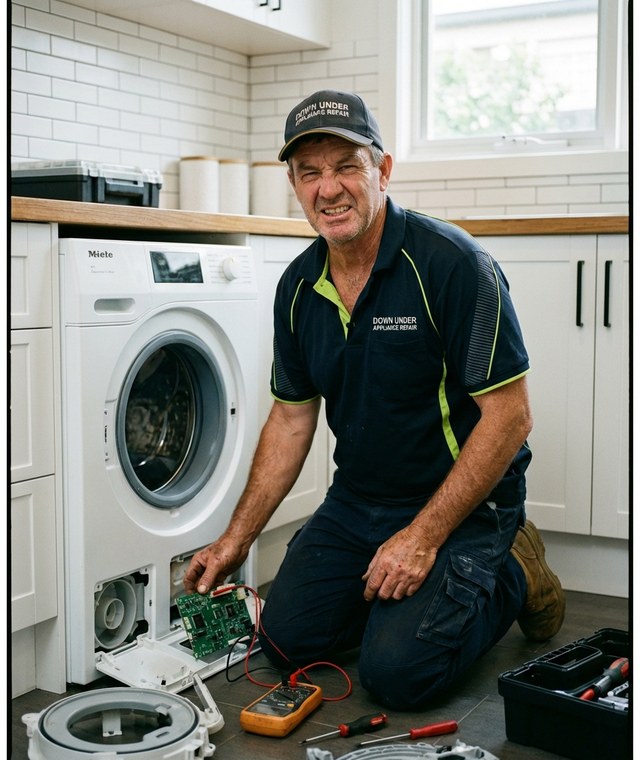
Sophiie captures the appliance type, brand, model, fault, address, and preferred time, then helps schedule the repair so the visit starts with useful context.
Learn more about Sophiie's AI office manager.
A live demo call from Sophiie. Two minutes, no sales pitch.
Appliance repair bookings need more than a calendar slot. Sophiie helps capture the technical and customer details that make the appointment usable.
Sophiie asks about the appliance, symptom, error code, brand, model, and urgency before the visit is confirmed.

Phone calls, website chatbot conversations, texts, emails, and forms can become repair bookings in the same workflow.

Appointment confirmations can include address, preferred window, access notes, and what the customer should have ready.

Repeat appliance faults, previous invoices, notes, and reminders can stay visible in the CRM before the next visit.

Once booked, the repair can carry status, assigned technician, schedule, notes, attachments, and follow-up reminders.

How it works
Set the appliances, brands, suburbs, hours, and job categories Sophiie should use when qualifying bookings.
Bring calls, chatbot enquiries, texts, emails, and forms into Sophiie so customers can start anywhere.
Sophiie asks for symptom, model, access, address, preferred time, and urgency before creating the booking.
Your team sees the appointment, customer profile, repair context, status, and reminders in one record.
If the booking says dishwasher not working, the technician may still need a callback before deciding who should go, how long to allow, or whether the customer should send a model number.
Sophiie helps turn the first conversation into a more useful booking. It captures the fault, model details, address, access, and preferred time, then keeps those details attached to the job.
The booking process should not pretend the repair is diagnosed. It should gather enough information for your team to confirm the visit, prepare questions, and avoid wasting time before arrival.
Whichever trade you're in, learn more about Sophiie's AI for trade businesses.

Calls, quotes and scheduling on autopilot.

Emergency and routine calls, handled 24/7.

Service calls and installs booked for you.

Quotes and site visits locked in fast.

Inquiries and jobs booked while you build.

Recurring and one-off bookings, all handled.

Compliance visits and callouts, booked for you.

Quotes and installs booked while you lay.

Quotes and bookings sorted while you paint.

Every small job captured and scheduled.

Inquiries answered while you're on the trowel.

Regular services and callouts, scheduled.

Site visits and quotes locked in fast.

Pour dates and quotes, no phone tag.

Urgent leak calls answered around the clock.

Quotes and schedules handled between lays.

Tree work quoted and booked while you climb.

Calls and job admin handled at every stage.
Yes. Sophiie can answer calls, qualify the repair, and help book the job into your schedule.
Yes. You can train Sophiie to ask for appliance type, brand, model, age, and symptom before booking.
Yes. Booked repairs can become job records with customer details, schedule, assigned team, status, and notes.
Sophiie supports scheduling and messaging workflows, so your team can manage reschedule requests and confirmations from the same record.
No. Sophiie collects repair details. Parts decisions and diagnosis remain with your technician.
Train Sophiie to qualify appliance enquiries, book appointments, and keep the repair details connected to the job.