Speak to Sophiie
A live demo call from Sophiie. Two minutes, no sales pitch.
Appliance repair
Sophiie helps turn qualified repair enquiries into scheduled jobs with appliance notes, address, assigned technician, status updates, and follow-up reminders.
Learn more about Sophiie's job management software.
A live demo call from Sophiie. Two minutes, no sales pitch.
Dispatch is not just choosing who goes where. The technician needs the appliance, symptom, access, schedule, and customer context before leaving.
Sophiie can carry customer details, appliance type, fault description, address, preferred time, notes, and attachments into the job.

Job records can show the assigned team member, schedule, status, and history so the office and field see the same next step.

Technicians can review today's jobs, customer records, notes, and directions from the mobile app when working between visits.

Pending, scheduled, in progress, completed, and follow-up states help repair work avoid disappearing after the first visit.

Texts, emails, call summaries, and notes stay attached so dispatch decisions are based on current information.

How it works
Set service areas, technician roles, job types, urgent call rules, and what information Sophiie must collect before assigning work.
Sophiie answers or receives calls, messages, emails, website chats, and forms, then qualifies the repair details.
Create a job record with customer, appliance, address, notes, schedule, and assigned technician.
Use job history, reminders, notes, invoices, and customer follow-up to keep the dispatch record accurate.
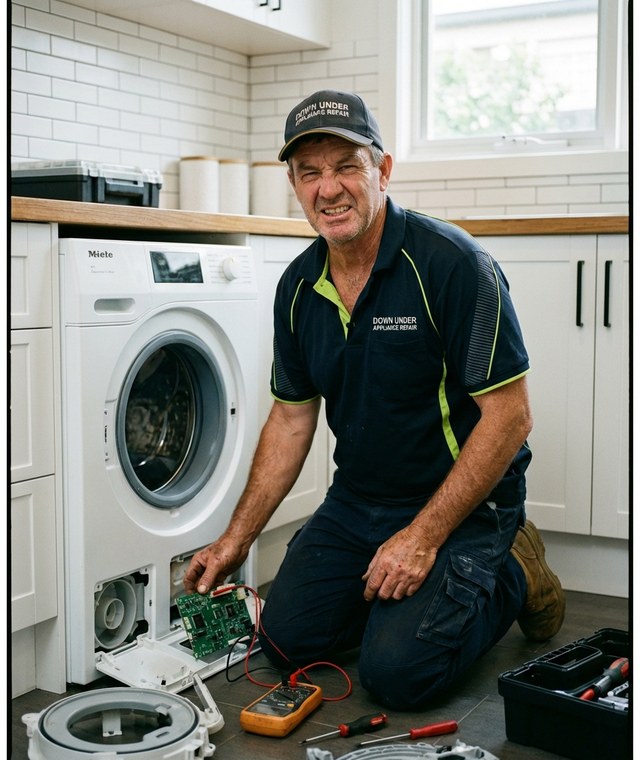
A technician heading to a fridge repair needs more than an address. Model notes, fault symptoms, previous work, access instructions, and whether the customer is available all affect the visit.
Sophiie helps dispatch the job with that context attached. The repair call becomes a scheduled record with customer details, appliance notes, assigned technician, status, and reminders.
Sophiie is built for the office workflow around dispatch: intake, schedule, assignment, status, notes, and follow-up. If a team needs advanced route optimisation, it can still use a specialist routing tool alongside Sophiie.

Calls, quotes and scheduling on autopilot.

Emergency and routine calls, handled 24/7.

Service calls and installs booked for you.

Quotes and site visits locked in fast.

Inquiries and jobs booked while you build.

Recurring and one-off bookings, all handled.

Compliance visits and callouts, booked for you.

Quotes and installs booked while you lay.

Quotes and bookings sorted while you paint.

Every small job captured and scheduled.

Inquiries answered while you're on the trowel.

Regular services and callouts, scheduled.

Site visits and quotes locked in fast.

Pour dates and quotes, no phone tag.

Urgent leak calls answered around the clock.

Quotes and schedules handled between lays.

Tree work quoted and booked while you climb.

Calls and job admin handled at every stage.
Yes. A dispatcher can see technician, appointment window, status, repair notes, and history in the record.
No. Sophiie helps organise dispatch records and schedules. Specialist route optimisation may still be needed for complex fleet routing.
Yes. Job records can include appliance type, fault description, model notes, customer details, and access notes.
Yes. The Sophiie mobile app gives field teams access to jobs, schedules, customer records, voice notes, and updates.
Yes. Reminders and customer communication workflows can help keep follow-up visible after status changes.
Use Sophiie to capture repair details, assign technicians, track status, and keep follow-up attached to each job.