Speak to Sophiie
A live demo call from Sophiie. Two minutes, no sales pitch.
Appliance repair
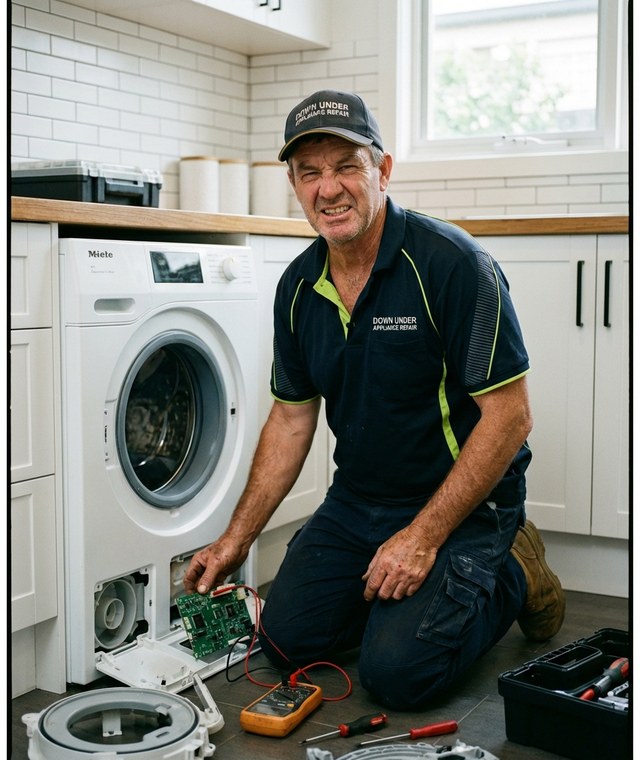
Sophiie mobile app helps technicians and office teams check repair bookings, customer details, appliance notes, job status, reminders, and invoices between visits.
Learn more about Sophiie's job management software.
A live demo call from Sophiie. Two minutes, no sales pitch.
The schedule is only useful when it carries the repair context. Sophiie keeps the appointment, appliance details, and customer history together.
Technicians can review scheduled jobs, customer details, addresses, assigned work, and notes from the mobile app.

Each booking can include appliance type, brand, model, symptom, access notes, and previous history.

Use status updates, reminders, notes, photos, and attachments so the office knows where each repair stands.

Record repair observations on site and let Sophiie transcribe them before details are forgotten.

When work is complete, Sophiie can help draft and send the invoice from the repair record.

How it works
Add appointment types, service areas, technician roles, repair categories, and booking questions.
New calls, texts, emails, chats, and forms can become scheduled repair visits.
Technicians check the schedule, customer profile, appliance notes, and job status while moving between visits.
Add notes, invoice, update status, and set reminders before the next repair visit.
If a technician sees only a time and address, the office still gets questions: What appliance is it? What symptom? Was there an error code? Is there parking? Has this customer called before?
Sophiie keeps the scheduling app tied to the job record. The booking can carry customer history, appliance details, assigned technician, status, notes, reminders, and invoice workflow.
Between visits, the technician needs the next job, not a back-and-forth with the office. Sophiie mobile app puts the schedule and context in the same place.

Calls, quotes and scheduling on autopilot.

Emergency and routine calls, handled 24/7.

Service calls and installs booked for you.

Quotes and site visits locked in fast.

Inquiries and jobs booked while you build.

Recurring and one-off bookings, all handled.

Compliance visits and callouts, booked for you.

Quotes and installs booked while you lay.

Quotes and bookings sorted while you paint.

Every small job captured and scheduled.

Inquiries answered while you're on the trowel.

Regular services and callouts, scheduled.

Site visits and quotes locked in fast.

Pour dates and quotes, no phone tag.

Urgent leak calls answered around the clock.

Quotes and schedules handled between lays.

Tree work quoted and booked while you climb.

Calls and job admin handled at every stage.
Yes. The Sophiie mobile app supports schedules, jobs, customer records, notifications, and job updates.
Yes. Job records can include appliance type, brand, model, symptom, access notes, and history.
Yes. Sophiie supports scheduling workflows and can keep customers and teams updated when the schedule changes.
Yes. Technicians can add notes, photos, attachments, and voice note transcriptions to job records.
No. The schedule is connected to customer profiles, job records, notes, reminders, and invoicing workflows.
Use Sophiie to schedule jobs, show repair context, update status, and keep follow-up moving from the field.