Speak to Sophiie
A live demo call from Sophiie. Two minutes, no sales pitch.
Plumbers
From burst pipes to hot water repairs, Sophiie keeps the call details, job record, plumber assignment, photos, status, and invoice in one workflow.
Learn more about Sophiie's job management software.

A live demo call from Sophiie. Two minutes, no sales pitch.
Sophiie helps plumbing teams manage the admin around urgent, recurring, and follow-up work.
Sophiie can answer 24/7, ask about leaks, blockages, hot water issues, access, urgency, and preferred timing, then summarise the call.
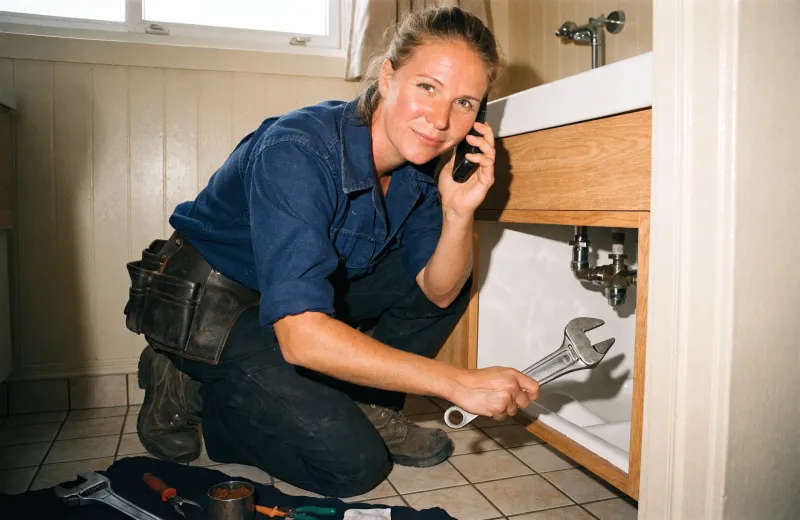
Keep scheduled time, assigned plumber, address, map context, status, and customer details connected to the job.

Record model numbers, fixture details, ordered parts, photos, and follow-up requirements so repeat visits are easier to manage.

CRM records keep past jobs, contact details, conversations, and reminders together for homes, rentals, strata, and commercial sites.

Create invoices for callout, labour, parts, fittings, and repairs, then sync to Xero and track payment status.

How it works
Train Sophiie to ask about the fault, water isolation, fixture, photos, access, urgency, and preferred booking time.
Turn calls into scheduled jobs with address, assigned plumber, status, notes, and customer context.
Add attachments, parts notes, return-visit reminders, and status updates when the job changes.
Use line-item invoices, Xero sync, payment status, and automated email reminders to close the admin loop.
A leaking pipe, blocked drain, and hot water failure all need different questions. If the plumbing call is missed or the details are thin, the plumber can arrive underprepared or the office has to call back.
Sophiie gives plumbing teams a consistent intake process and keeps the summary connected to the job record.
Parts may need ordering, photos may need saving, and a return visit may need scheduling. Sophiie's Job Manager keeps those notes, reminders, attachments, status updates, and customer history together.
That helps when the work moves from emergency response to repair completion and plumbing invoicing.
After the visit, Sophiie can help create a branded invoice for labour, callout, parts, and fittings. Xero sync and payment status reduce the chance that completed jobs sit unpaid.
The result is a plumbing workflow that starts with the call and ends with a clearer invoice trail.
Services & features
6 services
Sophiie checks calendars, applies booking rules, assigns the right plumber, and manages plumbing appointments, reschedules, and reminders.
Learn more about Smart Scheduling for PlumbersCreate branded plumbing invoices, add GST and line items, sync to Xero, track payment status, and send overdue reminders with Sophiie.
Learn more about AI Invoicing for PlumbersCreate branded plumbing quotes from your service list, captured scope, pricing, GST, and terms, then follow up and convert accepted work.
Learn more about AI Quoting for PlumbersKeep plumbing customers, job history, notes, calls, emails, texts, reminders, and upcoming work in one searchable Sophiie CRM profile.
Learn more about Customer CRM for PlumbersSophiie helps plumbers keep equipment needs, jetter or camera notes, assigned work, photos, reminders, and customer history attached to jobs while specialist tracking tools stay separate.
Learn more about Asset Tracking Software for PlumbersSophiie helps plumbers manage email enquiries, draft replies from approved knowledge, ask for missing details, and keep threads organised.
Learn more about AI Email Responder for Plumbers
Calls, quotes and scheduling on autopilot.

Service calls and installs booked for you.

Quotes and site visits locked in fast.

Inquiries and jobs booked while you build.

Recurring and one-off bookings, all handled.

Compliance visits and callouts, booked for you.

Quotes and installs booked while you lay.

Quotes and bookings sorted while you paint.

Every small job captured and scheduled.

Inquiries answered while you're on the trowel.

Regular services and callouts, scheduled.

Site visits and quotes locked in fast.

Pour dates and quotes, no phone tag.

Urgent leak calls answered around the clock.

Quotes and schedules handled between lays.

Tree work quoted and booked while you climb.

Calls and job admin handled at every stage.
Sophiie can answer 24/7, capture the customer's issue and urgency, and send a useful summary so the team can respond with context.
Yes. Jobs can include status, schedule, assigned team member, address, notes, attachments, and history.
You can record parts notes, reminders, photos, and return-visit details in the job record. Sophiie does not replace supplier ordering or stock control.
Yes. Sophiie supports branded invoices, detailed line items, tax settings, Xero sync, payment status, and automated email reminders.
Use Sophiie to answer calls, capture details, schedule plumbers, track work, store notes, and invoice completed jobs.