Speak to Sophiie
A live demo call from Sophiie. Two minutes, no sales pitch.
Landscapers
Sophiie turns a garden clean-up, irrigation issue, retaining wall enquiry, mowing run request, or new landscape install into organised job records with status, schedule, notes, reminders, and customer context in one place.
Learn more about Sophiie's job management software.

A live demo call from Sophiie. Two minutes, no sales pitch.
Landscapers juggle moving parts across sites, crews, materials, and callbacks. Sophiie keeps the job record clear from enquiry to completion.
A garden clean-up or irrigation repair can carry customer details, site notes, required work, and timing from the first conversation.

Landscaping teams can use pending, scheduled, in progress, completed, or your own workflow labels so office and field staff can see where each job stands.
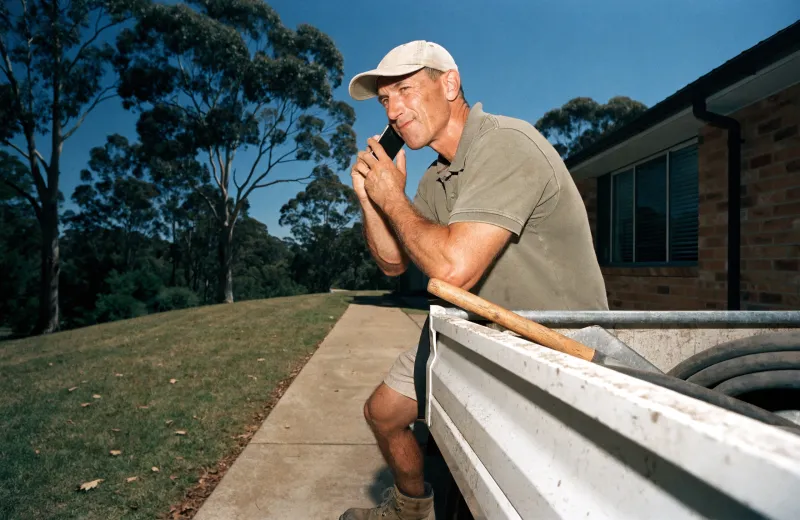
Keep the crew, address, schedule, and job requirements together so work is not reallocated by memory at the end of the day for landscaping work.

Attach photos, documents, gate codes, material notes, and customer requests to the landscaping job record before anyone arrives on site.

Callbacks, quote checks, return visits, and completion notes can be tracked without leaving those details in the landscaping team's notebooks or personal phones.

How it works
Match Sophiie to how your landscaping team tracks maintenance visits, lawn care runs, planting plans, mulch top-ups, and quote walk-throughs, as well as urgent work and follow-ups.
Calls, emails, chats, texts, or manual entries can become landscaping job records with customer and site context attached.
Add status changes, schedule notes, photos, documents, and reminders while the job is active for landscaping work.
The completed landscaping job record keeps the context needed for quotes, invoices, customer updates, and future work.
A garden clean-up, irrigation issue, retaining wall enquiry, mowing run request, or new landscape install may start as a call, turn into a quote, need a scheduled visit, and finish as an invoice. When those pieces live in separate apps or personal phones, the team loses track of status and detail for landscaping work.
Sophiie gives the job one place to live. Landscaping customer details, assigned staff, schedule, status, reminders, photos, attachments, and notes can move with the work from enquiry through completion.
For landscaping teams, the value is the context around the appointment: what was promised, what is still pending, who owns the next step, and what the customer should hear before or after the visit.
Services & features
6 services
Sophiie checks calendars, applies booking rules, assigns the right crew, and manages landscaping appointments, reschedules, and reminders.
Learn more about Smart Scheduling for LandscapersCreate branded landscaping invoices, add GST and line items, sync to Xero, track payment status, and send overdue reminders with Sophiie.
Learn more about AI Invoicing for LandscapersCreate branded landscaping quotes from your service list, captured scope, pricing, GST, and terms, then follow up and convert accepted work.
Learn more about AI Quoting for LandscapersKeep landscaping customers, job history, notes, calls, emails, texts, reminders, and upcoming work in one searchable Sophiie CRM profile.
Learn more about Customer CRM for LandscapersSophiie helps landscapers manage email enquiries, draft replies from approved knowledge, ask for missing details, and keep threads organised.
Learn more about AI Email Responder for LandscapersA landscaping website chatbot that separates maintenance, clean-up, design, irrigation, and regular service enquiries, captures property details, and stores every conversation.
Learn more about AI Chatbot for Landscapers
Calls, quotes and scheduling on autopilot.

Emergency and routine calls, handled 24/7.

Service calls and installs booked for you.

Inquiries and jobs booked while you build.

Recurring and one-off bookings, all handled.

Compliance visits and callouts, booked for you.

Quotes and installs booked while you lay.

Quotes and bookings sorted while you paint.

Every small job captured and scheduled.

Inquiries answered while you're on the trowel.

Regular services and callouts, scheduled.

Site visits and quotes locked in fast.

Pour dates and quotes, no phone tag.

Urgent leak calls answered around the clock.

Quotes and schedules handled between lays.

Tree work quoted and booked while you climb.

Calls and job admin handled at every stage.
Landscaping customer details, address, schedule, status, assigned team member, notes, photos, attachments, reminders, and job history can stay together.
Yes. Sophiie can keep assigned people visible on the landscaping job record so everyone knows who owns the next step.
Yes. Job photos, access notes, documents, and updates can be attached so the record is useful in the field and office for landscaping work.
Sophiie is designed to organise customer communication and job workflow. Where integrations are part of your setup, it can work alongside the systems you already use for landscaping work.
Yes. Sophiie can help send updates, reminders, and status messages so landscaping customers are not left wondering what happens next.
Landscaping teams can use Sophiie to keep status, schedule, notes, reminders, and customer context attached to the job from first enquiry to final follow-up.