Speak to Sophiie
A live demo call from Sophiie. Two minutes, no sales pitch.
Pest control
Answer calls, book jobs, and keep treatment admin together
Learn more about Sophiie's AI office manager.

A live demo call from Sophiie. Two minutes, no sales pitch.
Sophiie brings the main office workflows into one system so your team can focus on treatments instead of chasing admin.
Sophiie answers calls, asks useful questions, captures customer details, handles FAQs, and sends real-time summaries to your team.

Calls, texts, emails, notes, jobs, and upcoming bookings stay tied to the customer record for better repeat service.

Book pest jobs into team calendars, reschedule when access changes, and send customers reminders.

Track assigned technicians, job details, photos, attachments, scheduled dates, and progress from enquiry to completed work.
Create quotes from trained services, send invoices after completion, sync with Xero, and follow up unpaid bills.
How it works
Add your services, FAQs, hours, service areas, pricing inputs, tone, and call handling rules.
Use phone, text, email, and web chat workflows to capture enquiries and keep details on the customer record.
Schedule the job, assign a technician, add notes and photos, update status, and keep reminders visible.
Send quotes, invoices, payment reminders, and follow-up messages without rebuilding the customer details.
A pest control business can have strong technicians and still lose revenue through weak office flow. Missed calls, delayed quotes, vague appointment notes, and late invoices all create friction. Sophiie addresses that admin layer rather than pretending to be a pest treatment tool.
It answers enquiries, collects useful details, keeps customer records, supports scheduling, tracks jobs, and helps with quotes and invoices. The same customer information can move through each stage instead of being copied from a notebook into a calendar and then into an invoice.
For a one-off spider treatment, Sophiie can capture the call, book the job, keep notes visible, and support invoicing. For recurring commercial work, it can help maintain customer history, scheduled services, reminders, and follow-up communication. For a termite enquiry, it can help structure the intake and proposal workflow while your qualified technician handles the specialist assessment.
That flexibility is why Sophiie fits pest control teams that do a mix of residential, strata, and commercial work.
The Jobs Manager gives technicians and office staff a shared record with status, scheduled times, assignments, notes, photos, and history. The CRM keeps calls, texts, emails, and jobs attached to the customer. Invoicing and quoting keep money-related steps from living in a separate trail.
The outcome is not more software for its own sake. It is a simpler way to keep pest control work moving while the team is out treating properties.
Whichever trade you're in, learn more about Sophiie's tools for trade and service businesses.

Calls, quotes and scheduling on autopilot.

Emergency and routine calls, handled 24/7.
Service calls and installs booked for you.

Quotes and site visits locked in fast.

Inquiries and jobs booked while you build.
Recurring and one-off bookings, all handled.
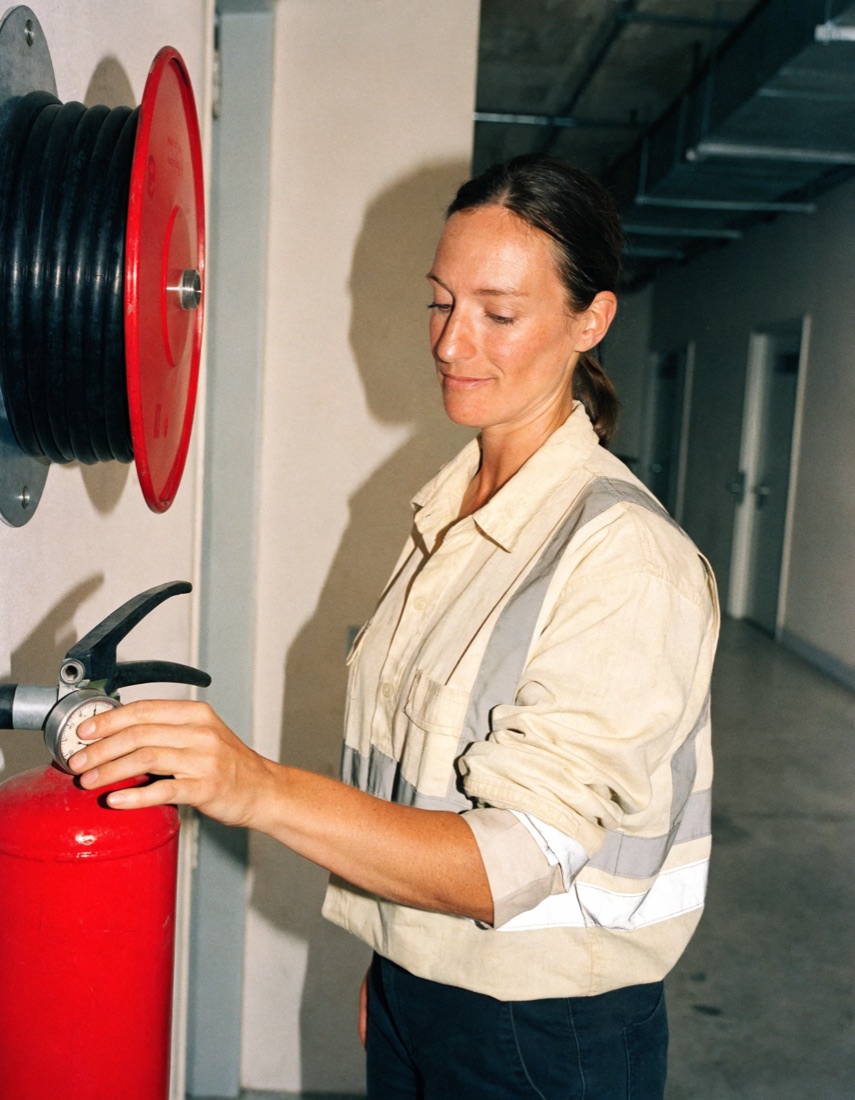
Compliance visits and callouts, booked for you.

Quotes and installs booked while you lay.

Quotes and bookings sorted while you paint.

Every small job captured and scheduled.

Inquiries answered while you're on the trowel.

Regular services and callouts, scheduled.
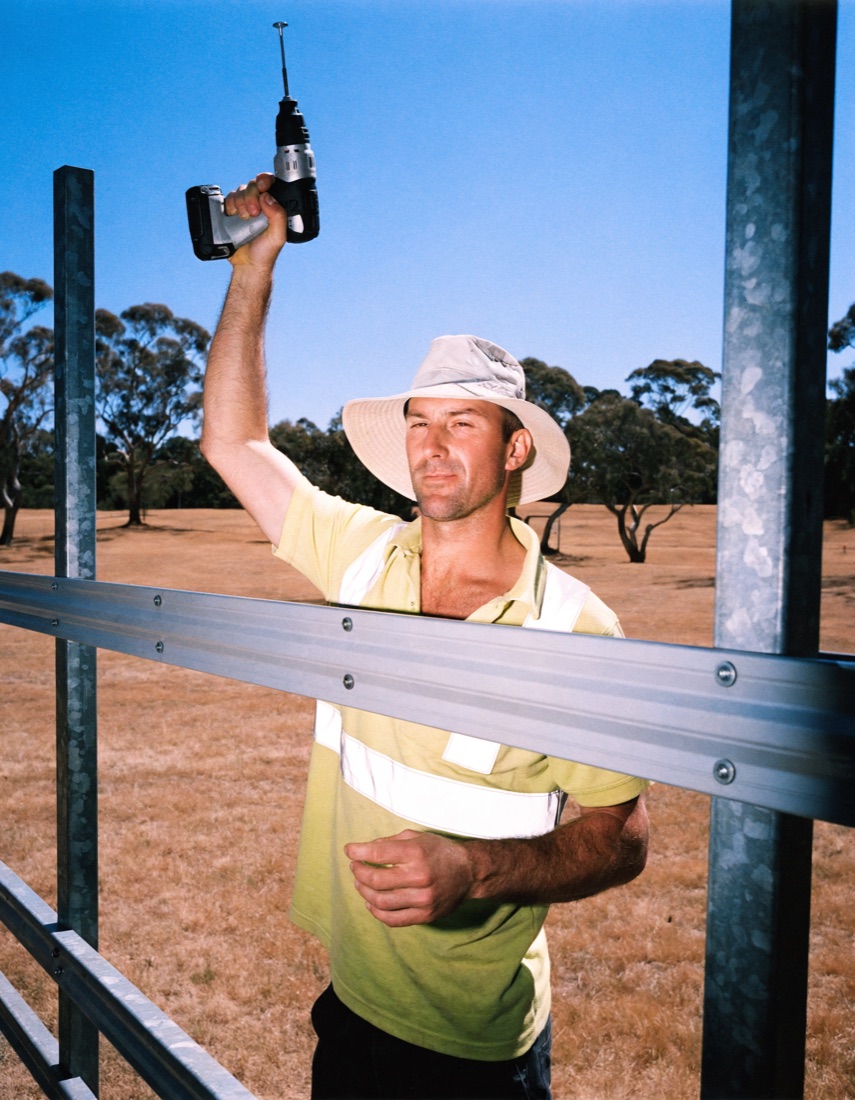
Site visits and quotes locked in fast.

Pour dates and quotes, no phone tag.

Urgent leak calls answered around the clock.

Quotes and schedules handled between lays.
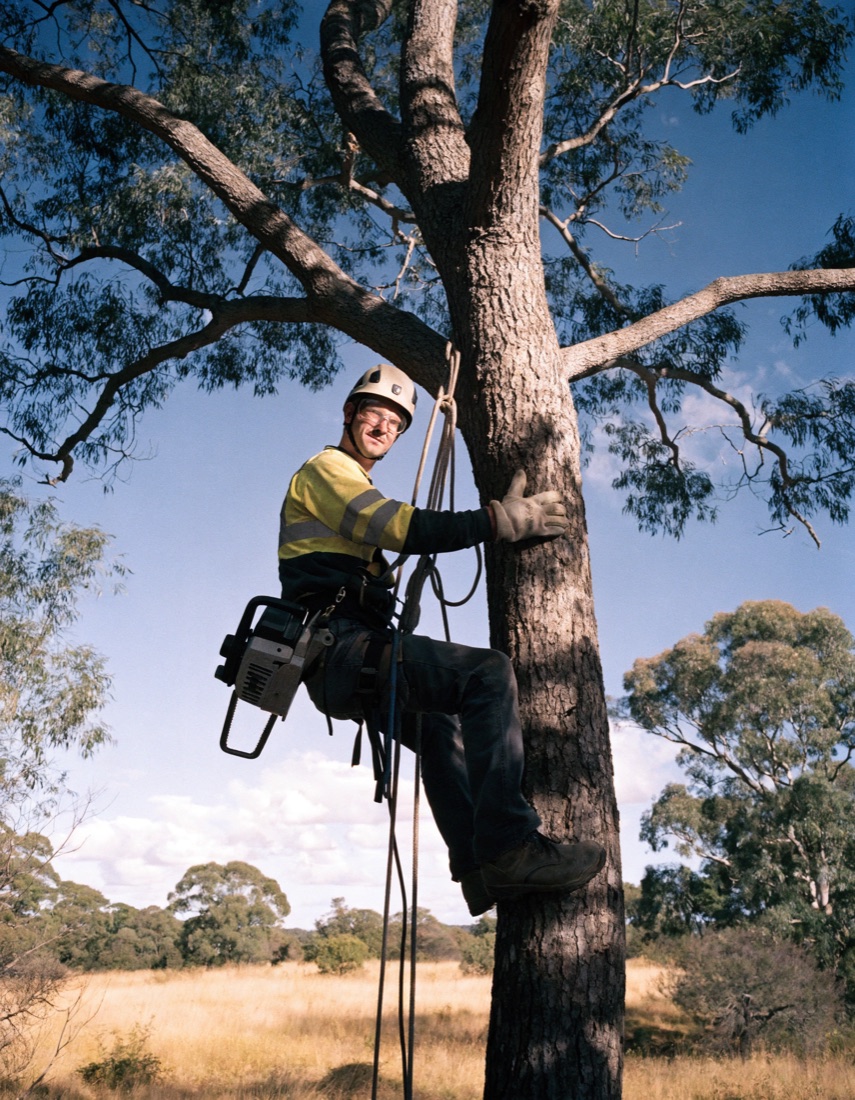
Tree work quoted and booked while you climb.

Calls and job admin handled at every stage.
Pest calls don't arrive in a tidy order. One caller has wasps above the back door and wants someone today. The next wants a termite inspection before they buy a house. Each needs different questions before your technician is interrupted.
For example, a pest control business might tell Sophiie that any call about an active nest near a doorway is urgent. She takes the address, where the nest is and the best callback number, then flags the enquiry and follows your escalation path instead of leaving it in a general inbox. If your rule is that a technician takes nest calls live, a warm transfer briefs them on the job before the caller is connected. Sophiie doesn't tell the caller whether the nest is safe to approach or what treatment will be used. That advice comes from your technician.
A buyer rings to book a pre-purchase termite inspection. Nothing is urgent, so the value is in the intake. Sophiie records the property type, access notes, pets and preferred times, and the customer can send photos through your webform. She checks connected calendars and your assignment rules before offering a slot, then books it confirmed or holds it pending for your office to check. Gate codes and access notes sit on the job record, so the technician arrives knowing how to get in.
Quarterly visits to a warehouse or a cafe sit in the same calendar as one-off callouts, so a new wasp job doesn't hide a contract visit. The customer record holds the pest type, previous treatments, access notes and conversations for each site. When a site manager asks what was done last quarter, your office can check before answering.
A standard general pest treatment can be quoted from your service list. Enquiries involving termite activity, food premises or unclear pest identification are kept for a human decision, with the details already collected. Once your team has priced a termite job, Sophiie helps send the quote by email or text and follows up while it is pending. When the customer accepts, the treatment is scheduled with the original scope and notes attached.
On the day, the job record shows the assigned technician, status, safety notes and site photos. After the treatment, Sophiie helps turn those details into an invoice draft, and reminders follow up overdue invoices on the timing you set. It works alongside your accounting software.
Sophiie handles the admin around pest work. She doesn't identify a pest from a description, choose a treatment, give chemical or safety advice, or decide whether a site meets a regulation. Those questions go to your technician, along with anything that changes the price or scope of a job.
Sophiie is broader than answering calls. It includes AI phone answering, messaging, CRM, job management, scheduling, quoting, invoicing, reminders, and customer communication workflows.
Yes. Sophiie is designed for small service teams that need calls answered, bookings organised, job details tracked, and admin handled while they are on the road.
No. Sophiie is not a lead generation service. It helps capture, qualify, and follow up enquiries that already come through your phone, website, text, or email channels.
Yes. Sophiie's invoicing includes Xero sync, and platform integration context includes tools like Xero, QuickBooks, Google Calendar, Outlook, ServiceM8, Simpro, Gmail, and Zapier.
Use Sophiie to answer calls, organise jobs, schedule technicians, manage customers, send quotes, and invoice completed work.