Speak to Sophiie
A live demo call from Sophiie. Two minutes, no sales pitch.
Plumbers
Create, send, sync, and follow up from Sophiie
Learn more about Sophiie's job management software.

A live demo call from Sophiie. Two minutes, no sales pitch.
Reduce the gap between completed work and sent invoices, especially after a full day on the tools.
Build invoices from completed plumbing jobs so labour, parts, call-out charges, and notes are captured while fresh.
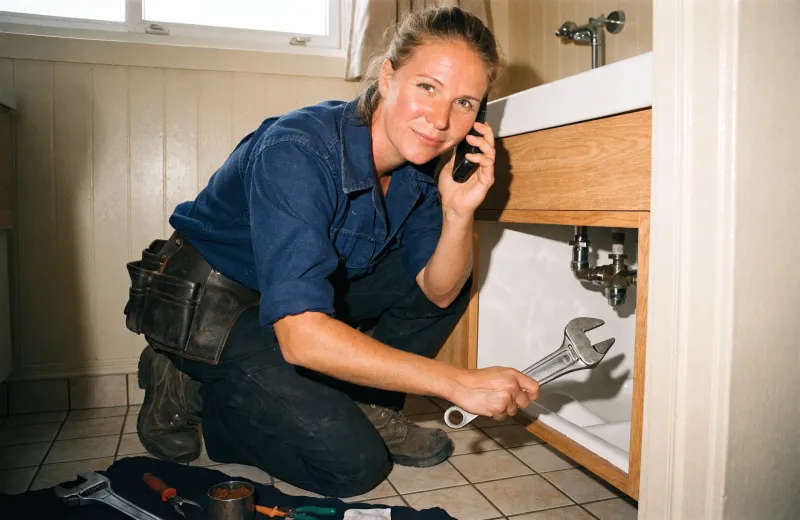
Speak invoice details after a service visit and let Sophiie populate the invoice fields for review.

Add your logo, accent colour, footer notes, GST, payment terms, and invoice numbering preferences.

Send invoice data to Xero and keep payment status visible in Sophiie when connected.

Set professional reminders so unpaid plumbing invoices do not rely on awkward manual chasing.

How it works
Set GST, payment terms, branding, invoice numbering, default notes, and Xero connection options.
Review job notes, parts, labour, customer details, and approved work before creating the invoice.
Create the invoice in Sophiie, send it to the customer, and sync to Xero when enabled.
Track payment status and use scheduled reminders for unpaid invoices according to your rules.
Many plumbers finish the day with the work complete but the billing unfinished. A few call-outs, a hot water repair, a drain clean, and a tap replacement can turn into a stack of invoices waiting for the owner after dinner. Sophiie shortens that delay.
Job records, customer details, notes, and invoice tools are connected so the invoice can be created closer to the time the work is done.
Sophiie supports line items, GST, branding, payment terms, and footer notes. Voice invoicing can help when you are moving between jobs and want to capture the bill before details fade. Xero sync keeps the accounting workflow aligned where connected.
This makes billing more reliable without making Sophiie a replacement for accounting advice or your bookkeeping system.
Once invoices are sent, Sophiie can track status and send reminders for overdue payments. That is useful for small plumbing businesses where cash flow depends on consistent follow-up.
The customer record also keeps the invoice connected to the original job and communication history, which makes payment conversations easier to handle professionally.
Services & features
6 services
Track plumbing jobs, status, schedules, staff assignments, notes, photos, reminders, and customer updates in Sophiie.
Learn more about Jobs Manager for PlumbersKeep plumbing customers, job history, notes, calls, emails, texts, reminders, and upcoming work in one searchable Sophiie CRM profile.
Learn more about Customer CRM for PlumbersSophiie checks calendars, applies booking rules, assigns the right plumber, and manages plumbing appointments, reschedules, and reminders.
Learn more about Smart Scheduling for PlumbersCreate branded plumbing quotes from your service list, captured scope, pricing, GST, and terms, then follow up and convert accepted work.
Learn more about AI Quoting for PlumbersSophiie helps plumbers keep equipment needs, jetter or camera notes, assigned work, photos, reminders, and customer history attached to jobs while specialist tracking tools stay separate.
Learn more about Asset Tracking Software for PlumbersSophiie helps plumbers manage email enquiries, draft replies from approved knowledge, ask for missing details, and keep threads organised.
Learn more about AI Email Responder for Plumbers
Calls, quotes and scheduling on autopilot.

Service calls and installs booked for you.

Quotes and site visits locked in fast.

Inquiries and jobs booked while you build.

Recurring and one-off bookings, all handled.

Compliance visits and callouts, booked for you.

Quotes and installs booked while you lay.

Quotes and bookings sorted while you paint.

Every small job captured and scheduled.

Inquiries answered while you're on the trowel.

Regular services and callouts, scheduled.

Site visits and quotes locked in fast.

Pour dates and quotes, no phone tag.

Urgent leak calls answered around the clock.

Quotes and schedules handled between lays.

Tree work quoted and booked while you climb.

Calls and job admin handled at every stage.
Yes. Sophiie can create and send professional invoices from job details, including on-the-go invoice creation.
Yes. Sophiie's invoicing workflow includes Xero sync for sending invoices and keeping payment status aligned when connected.
Yes. You can set logo, brand colour, footer messages, invoice numbers, payment terms, and tax settings.
Yes. You can set automated payment reminders for overdue invoices and define when those reminders are sent.
Use Sophiie to create invoices, sync with Xero, track payment status, and send professional reminders for overdue bills.